

Combine two Web Maps into a new one#
Combines two Web Maps into a new one. First Web Map is cloned and second Web Map layers are added to the new one.
Inputs:
Web GIS address. Fill in the URL of your Web GIS, e.g. https://demo.nextgis.com and login/password;
Web Map 1 ID. First Web Map for combining, the ID is the numbers at the end of the URL;
Web Map 2 ID. Second Web Map for combining, the ID is the numbers at the end of the URL;
Outputs:
New combined Web Map in Web GIS.
Launch the tool: https://toolbox.nextgis.com/t/ngw_webmap_combiner
Example:
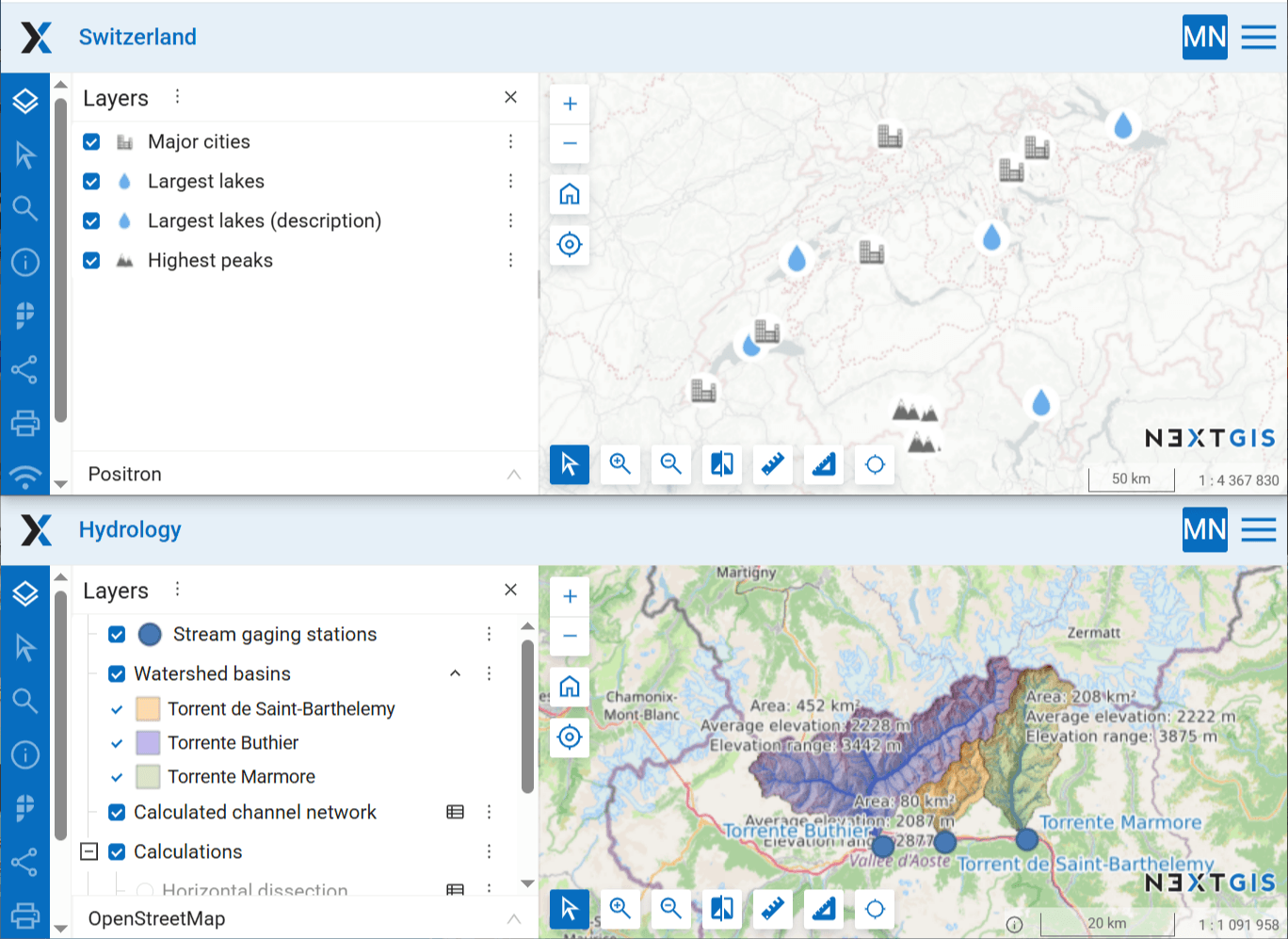
Fig. 214. Source maps#
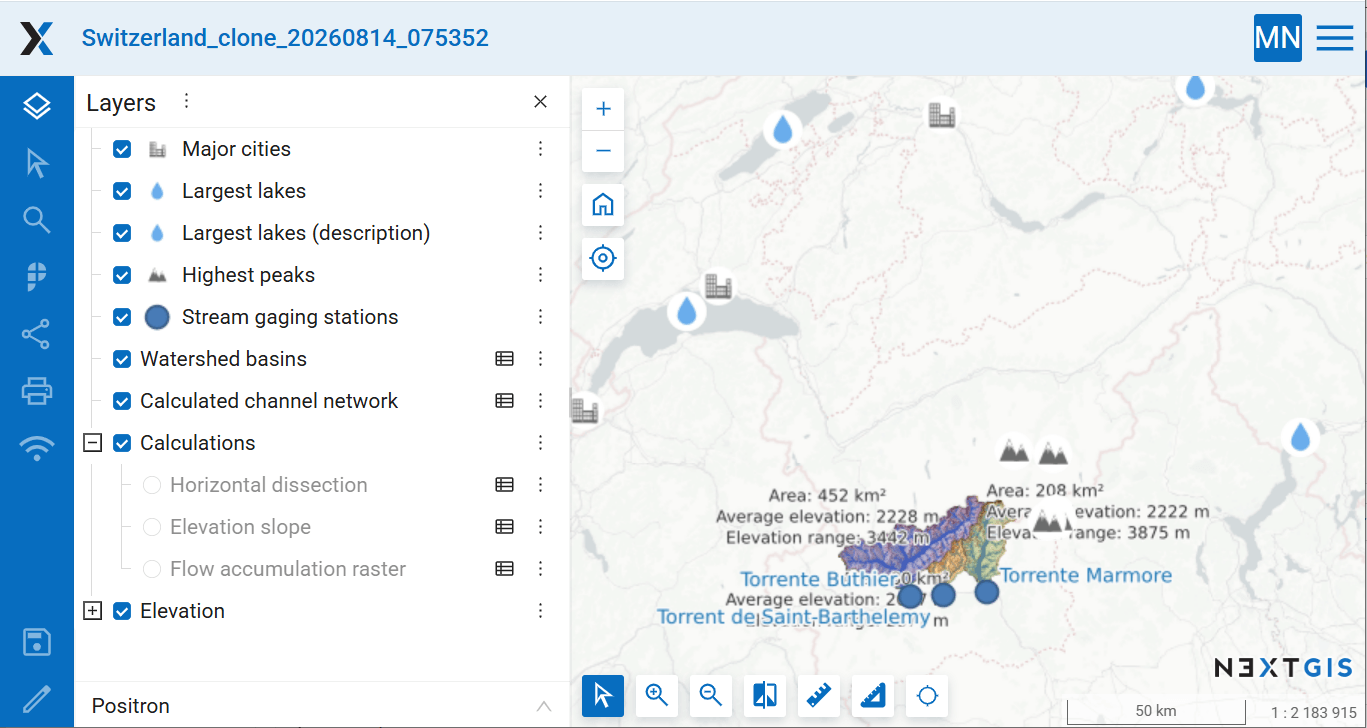
Fig. 215. Example output#
Try the tool in action
Click on the Demo button above the tool form. The fields are filled in with demo values.
Click on the Run button.