

Vector layers in Web GIS from archive#
This tool allows to create multiple vector layers in Web GIS at once using a ZIP archive of geodata files. For example, you can buy data on NextGIS Data and upload it to your Web GIS.
Input:
Web GIS - URL of the Web GIS, i.e. https://sandbox.nextgis.com
Username - your NextGIS ID;
Password
Resource group ID - Number at the end of the link to the folder. For Main resource group ID=0
ZIP archive - ZIP archive with GPKG, SHP or GeoJSON files. May contain sidecar QML file (To save all the styles as files use Save default QML plugin). May include subfolders.
QML file - optional, QML file of a style that will be added to all the loaded layers. Make sure the geometry type is correct.
Output:
Layers created in NextGIS Web in the selected resource group
Example:
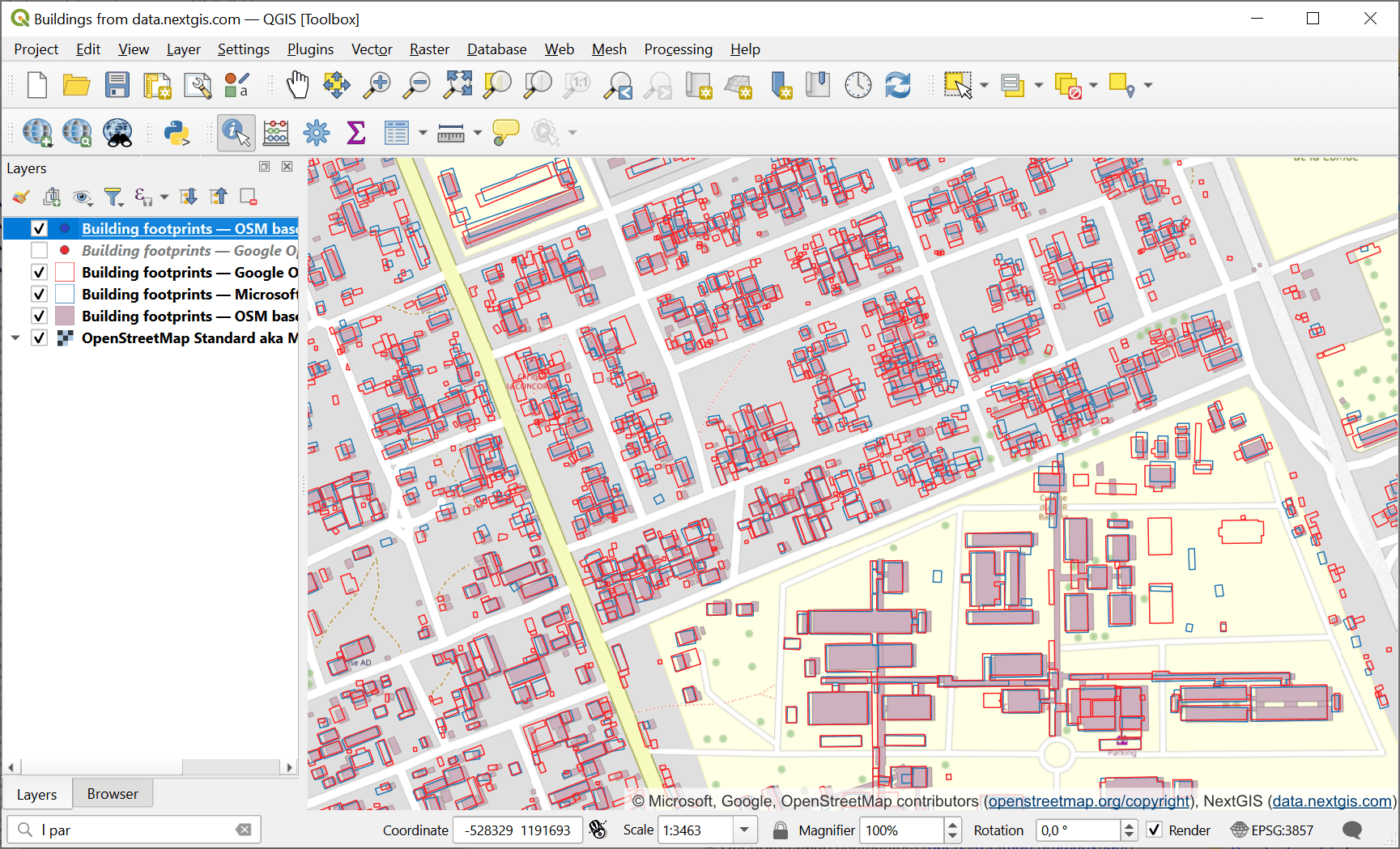
Fig. 182. Building footprints data from NextGIS Data in QGIS#
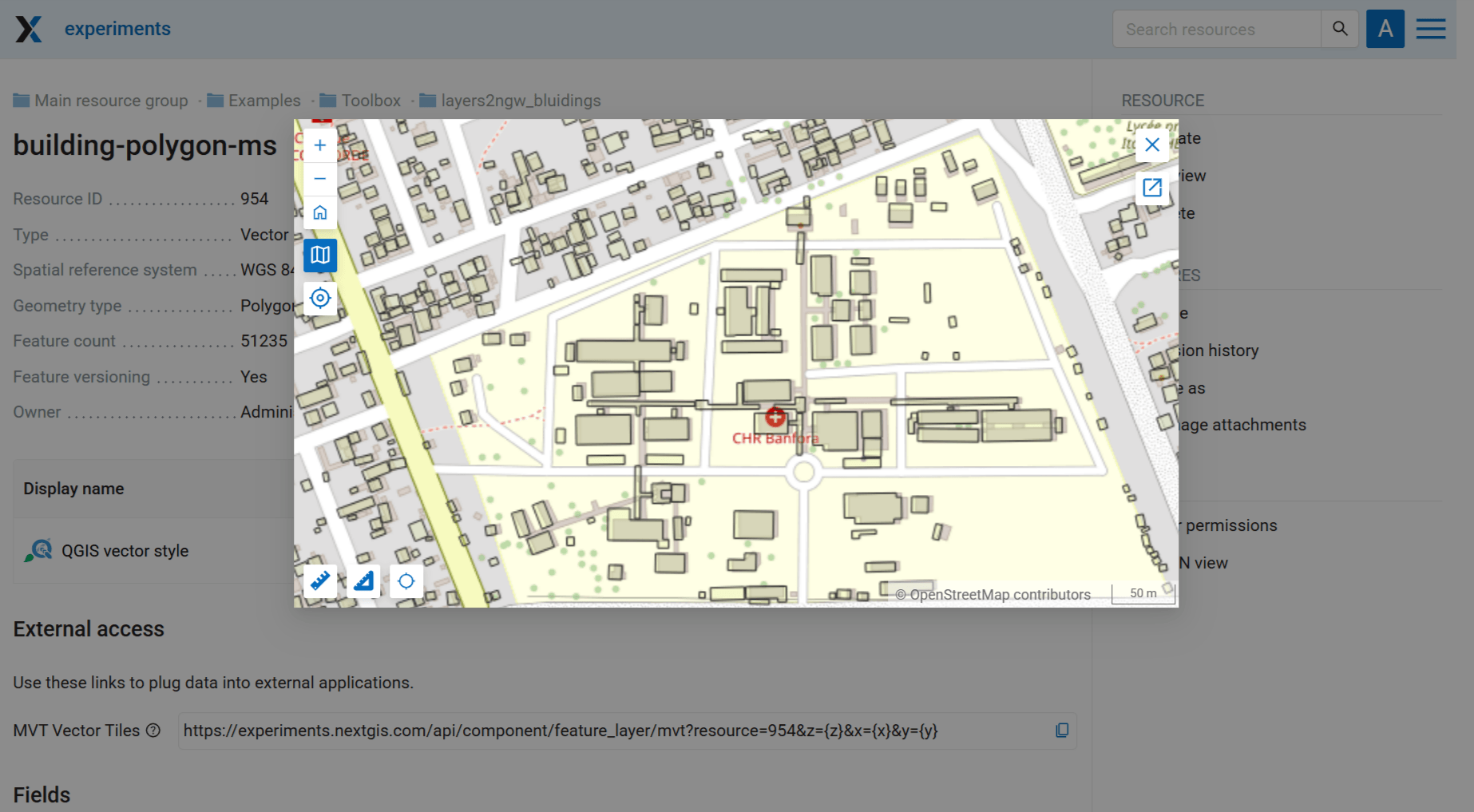
Fig. 183. Preview of one of the layers in Web GIS#
Launch the tool: https://toolbox.nextgis.com/t/layers2ngw
Try the tool in action
Click on the Demo button above the tool form. The fields are filled in with demo values.
Click on the Run button.