

Search & download Planetary Computer#
Launch the tool: https://toolbox.nextgis.com/t/planetary_search
Search and download satellite imagery and elevation data from Microsoft Planetary Computer (Sentinel-2, Landsat, Copernicus DEM, etc.) for a given bounding box and time range. Returns a ZIP archive of GeoTIFF files.
Inputs:
Dataset collection. Satellite/elevation data collection to search:
Sentinel-2 Level-2A (10-60m, 2015-present) (sentinel-2-l2a)
Landsat Collection 2 Level-2 (30m, 1982-present) (landsat-c2-l2)
Copernicus DEM Global 30m (cop-dem-glo-30)
Copernicus DEM Global 90m (cop-dem-glo-90)
NAIP Aerial Imagery (US, 0.6-1m) (naip)
Sentinel-1 RTC SAR (10m) (sentinel-1-rtc)
IO Land Use/Land Cover 9-class (10m) (io-lulc-9-class)
ESA WorldCover (10m) (esa-worldcover)
NASADEM Elevation (30m) (nasadem)
ALOS World 3D DEM (30m) (alos-dem)
MODIS Surface Reflectance 8-Day (500m) (modis-09A1-061)
Bounding box - draw your area of interest on the map or enter coordinates in decimal degrees (West, South, East, North in WGS84);
Start date in ISO format, e.g.
2024-01-01;End date in ISO format, e.g.
2024-12-31Max cloud cover (%) (only for optical imagery like Sentinel-2, Landsat);
Max results - maximum number of scenes to search (between 1 and 100, default is 10);
Asset keys - comma-separated list of asset keys to download (e.g. ‘B04,B03,B02’ for Sentinel-2). If empty, all GeoTIFF assets are downloaded.
Outputs:
ZIP-archive with data;
Report.
Example:
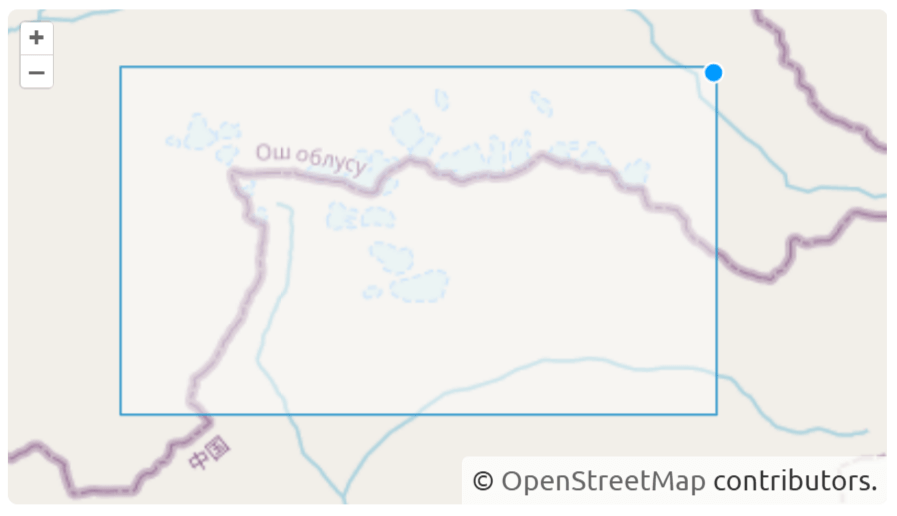
Fig. 225. Example input#
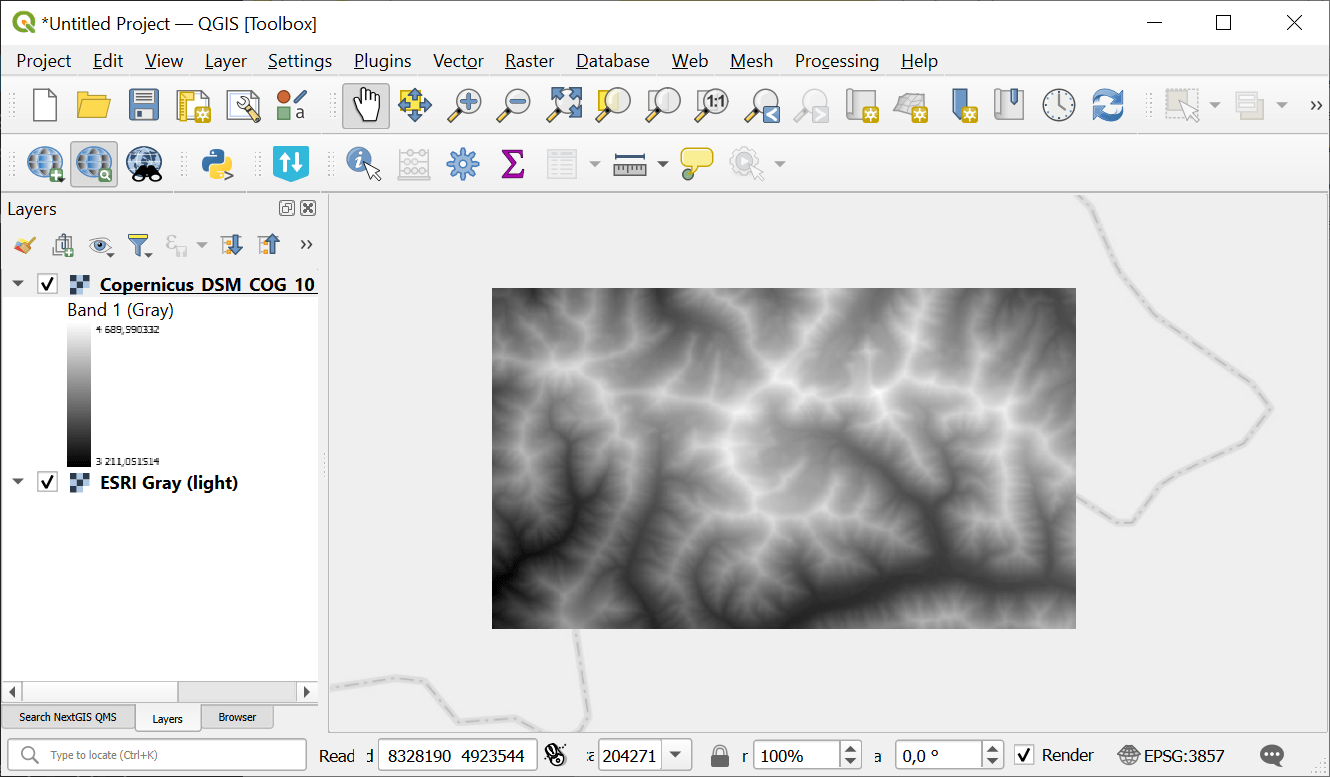
Fig. 226. Example output#
Try the tool in action
Click on the Demo button above the tool form. The fields are filled in with demo values.
Click on the Run button.