

Coordinates to polygon#
Create polygon geometry from Excel or CSV file with lat/lon columns.
Inputs:
Source file. Input table with lat/lon columns, supported formats: XLSX,XLS,CSV;
Output format. Select one of the options: GPKG, GEOJSON, SHP, TAB;
Columns order. Check if the order of the columns is Lat/Lon. Default order: Lon/Lat.
Outputs:
Geodata in the selected format.
Launch the tool: https://toolbox.nextgis.com/t/coords2poly
Example:
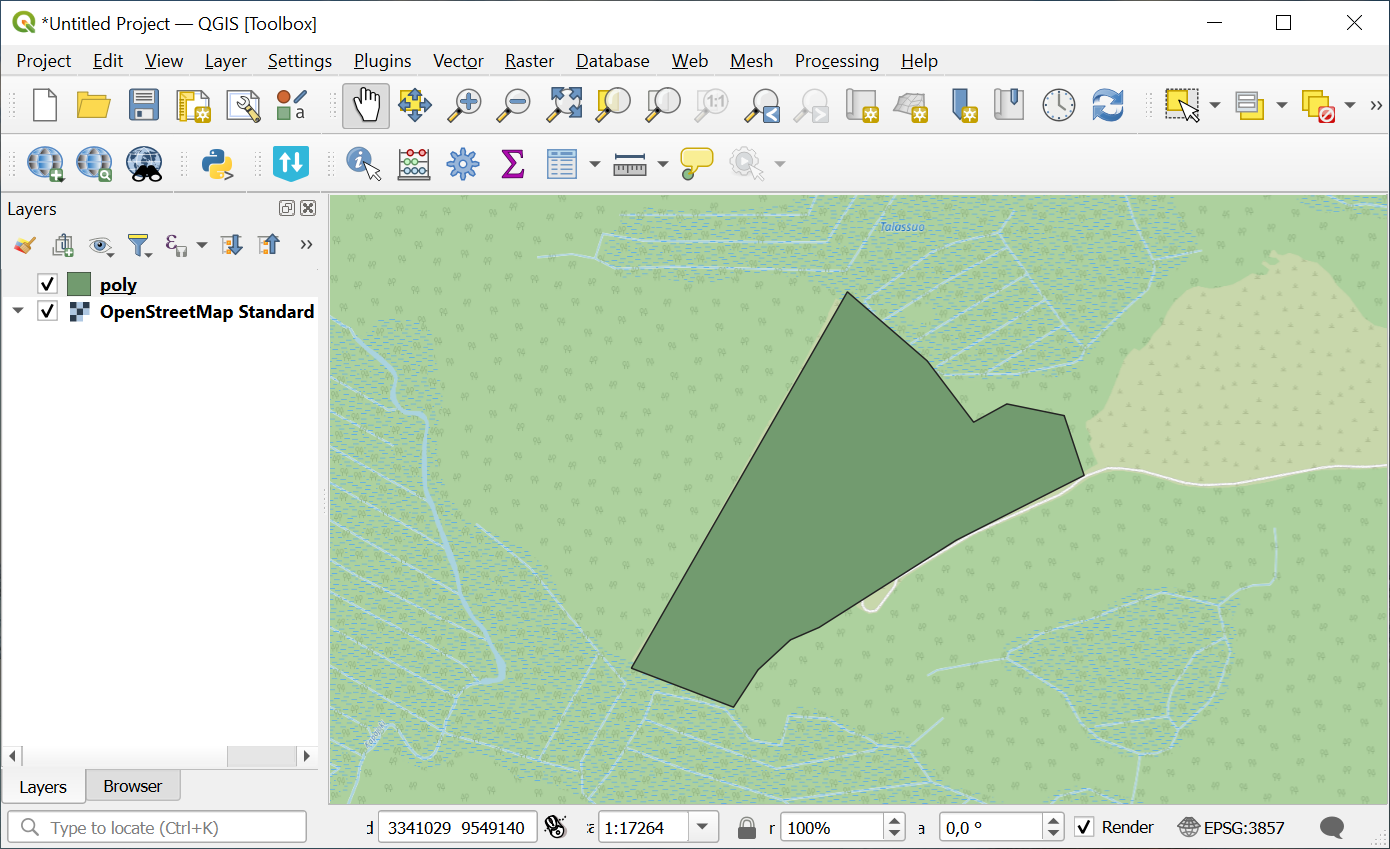
Fig. 137. Example output image#
Try the tool in action
Click on the Demo button above the tool form. The fields are filled in with demo values.
Click on the Run button.