

Form multi-channel raster from individual channels#
Converts an archive with raster channels to a single multi-channel raster composed of selected channels.
Inputs:
ZIP-archive with single-channel rasters, without subfolders.
List of channels, comma-separated, e.g. 4,3,2 (number of the source raster, in alphabetical order).
Outputs:
Multi-channel raster as a TIF file.
Launch the tool: https://toolbox.nextgis.com/t/layerstack
Example:
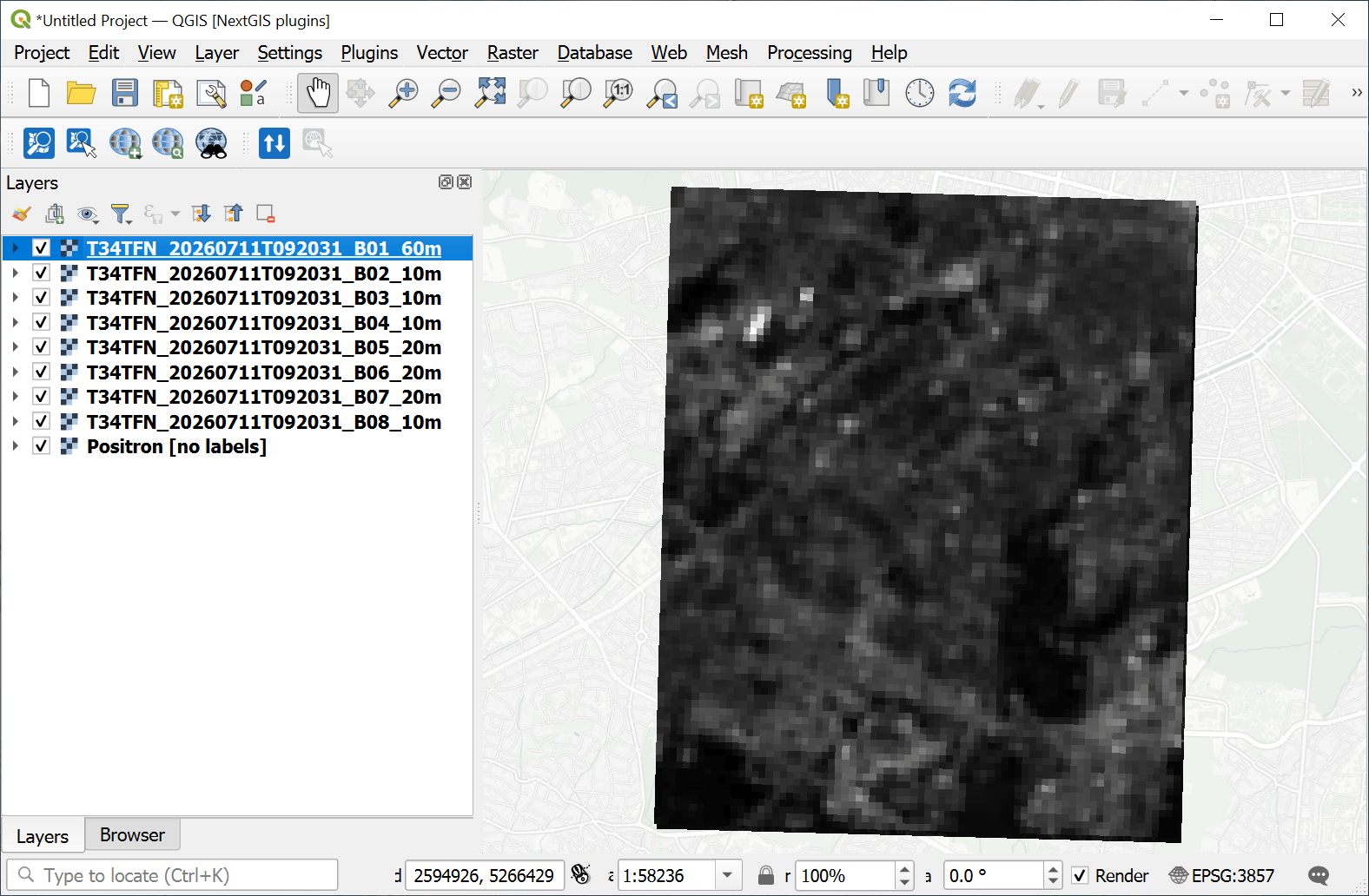
Fig. 187. Example input: multiple single-channel rasters#
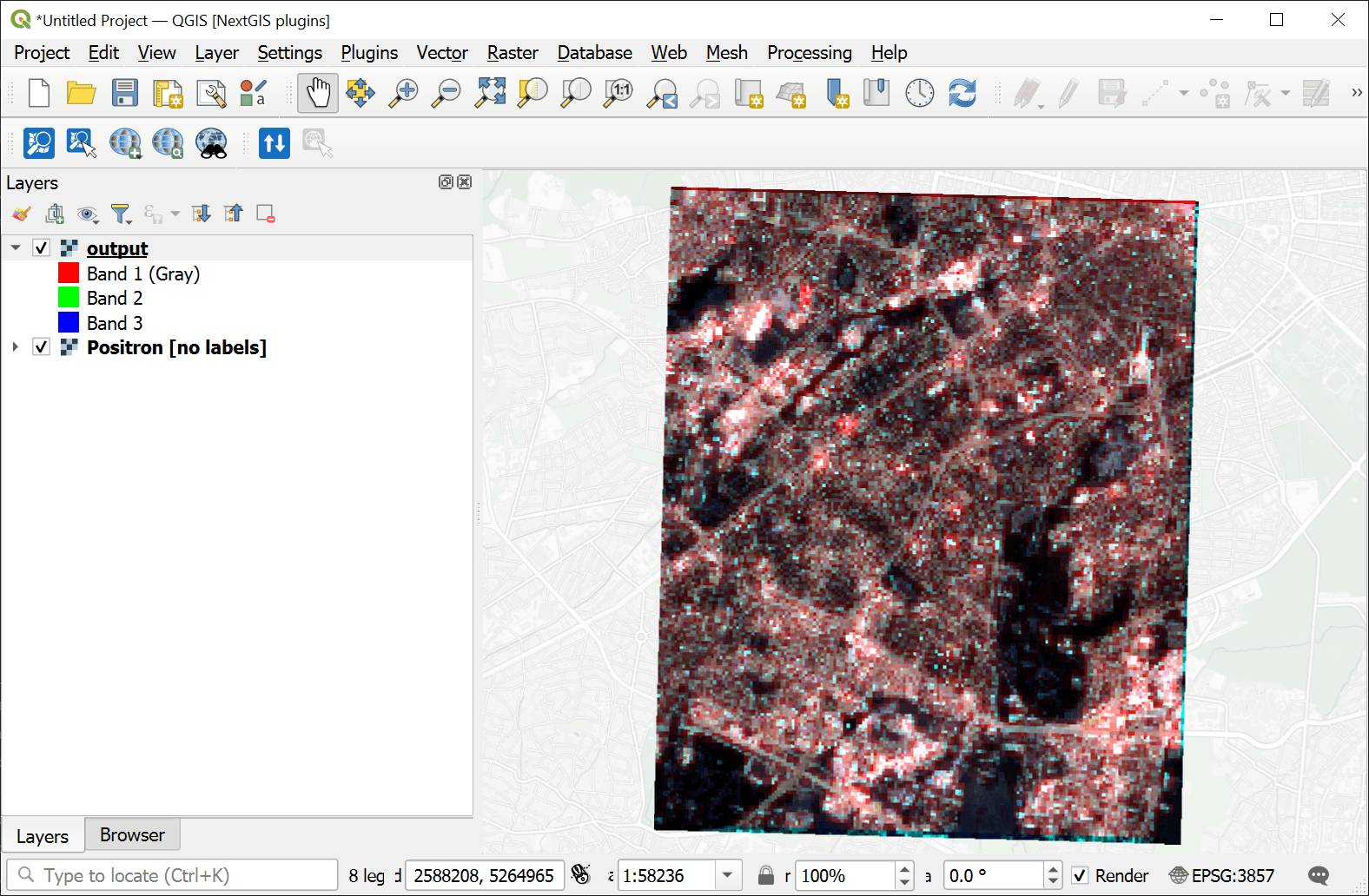
Fig. 188. Example output: combined RGB raster#
Try the tool in action
Click on the Demo button above the tool form. The fields are filled in with demo values.
Click on the Run button.