

iNaturalist species observations to geodata#
Launch the tool: https://toolbox.nextgis.com/t/inaturalist_download
Downloads species observations from the public iNaturalist API for a given bounding box, optionally filtered by taxon (scientific name), iconic group, quality grade, wildness and observation date. Hard limit: 10 000 records per run.
Inputs:
Bounding box - draw your area of interest on the map or enter coordinates in decimal degrees (West, South, East, North in WGS84).
Taxon name - ccientific or common taxon name (e.g.
Bubo buboorEagle-owl). Leave empty to download all species in the area.Iconic taxon group. Select one iconic taxon group (Birds, Plants, Insects, Fungi, Mammals, etc). Combines with ‘Taxon name’ if both are set. Options:
Animalia
Actinopterygii
Amphibia
Arachnida
Aves
Chromista
Fungi
Insecta
Mammalia
Mollusca
Plantae
Protozoa
Reptilia
Observation quality. iNaturalist quality grade filter. Options:
Research Grade (research)
Needs ID (needs_id)
Casual (casual)
Only wild. Exclude captive / cultivated observations. Default: all observation types.
Observation date from. Lower bound of observation date. Format: YYYY-MM-DD.
Observation date to. Upper bound of observation date. Format: YYYY-MM-DD.
Outputs:
GeoPackage with one point layer ‘observations’;
Report;
JSON.
Example:
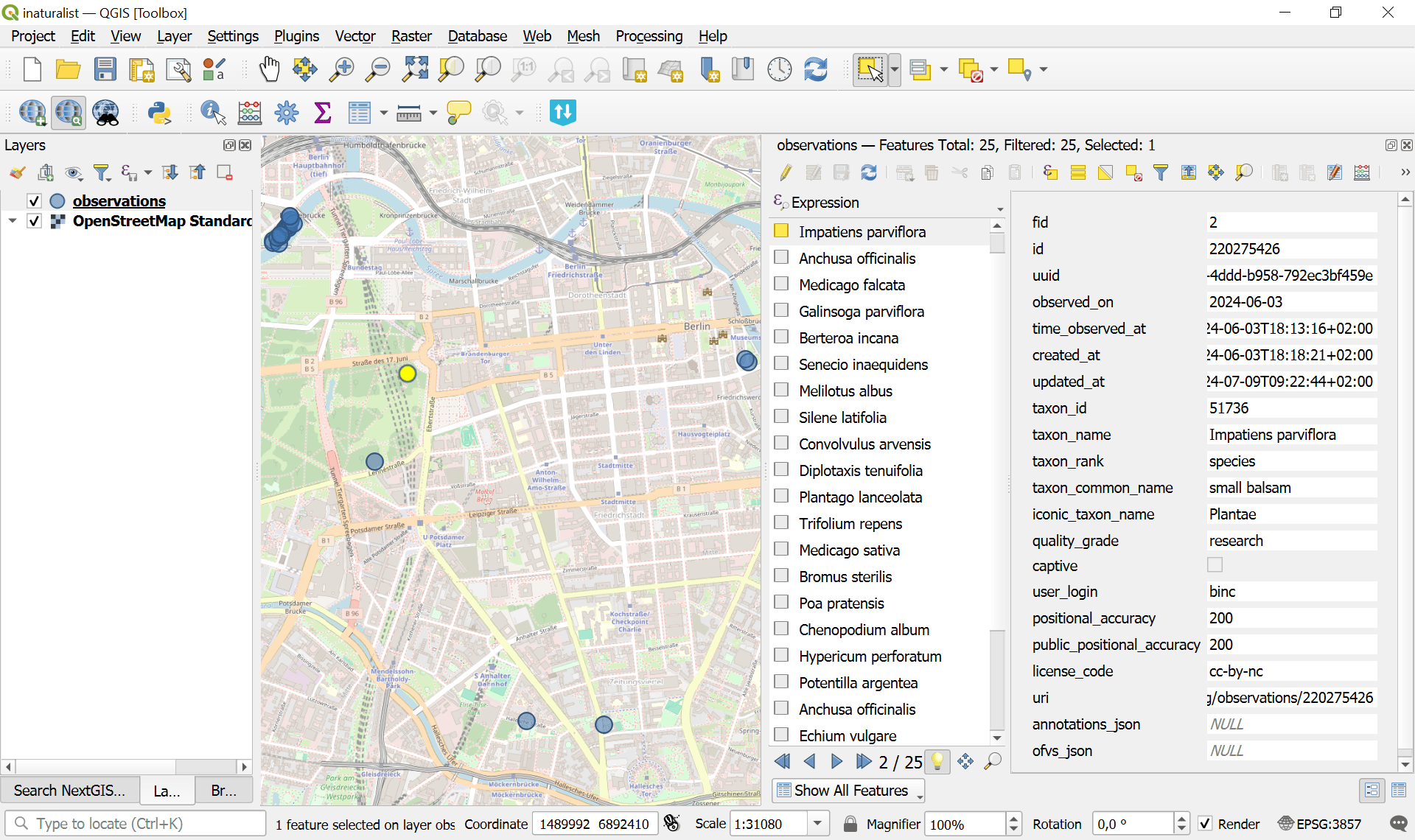
Fig. 177. Example output file opened in QGIS#
Try the tool in action
Click on the Demo button above the tool form. The fields are filled in with demo values.
Click on the Run button.