

Join lines#
Permanently joins two intersecting or snapped lines. The little “extra” bits are cut off.
After installation the plugin will appear in the Vector toolbar.
Select the two lines you want to join, then press  .
.
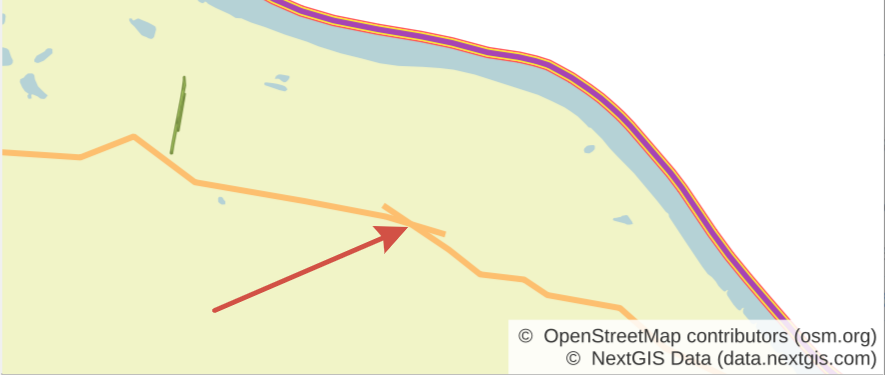
Fig. 870. Messy line crossing#
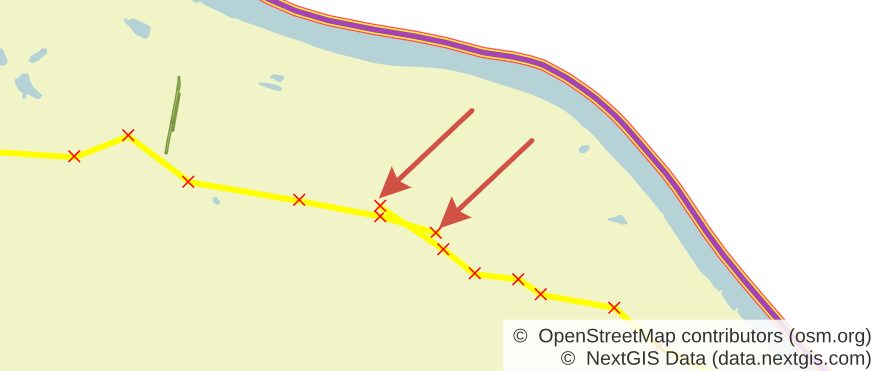
Fig. 871. The “extra” bits are visible when the lines are selected#
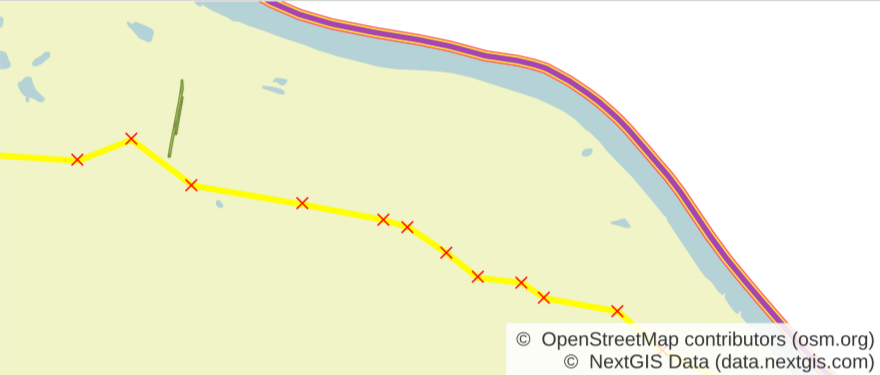
Fig. 872. After processing - the lines are merged into one single line, the “extra” bits at the intersection are cut off#
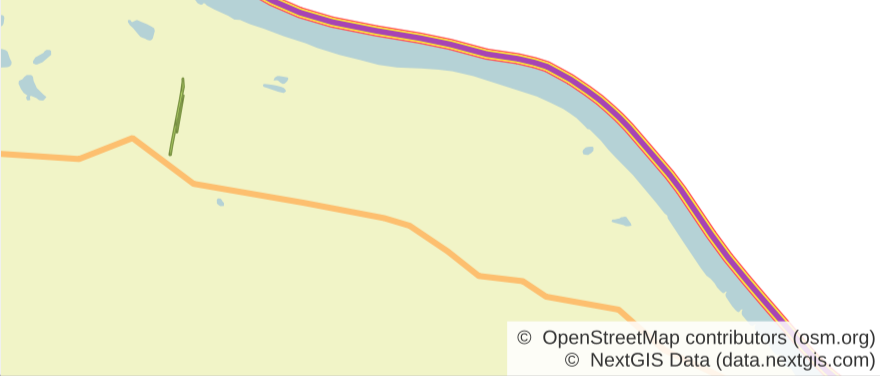
Fig. 873. Joined line on the map#
See the plugin at work in our video:
Watch on youtube.