

How to open a layer#
If your data is in a ZIP-archive, unpack it first and get the files out of the archive.
Download and install QGIS.
Open QGIS and drag the file into it.
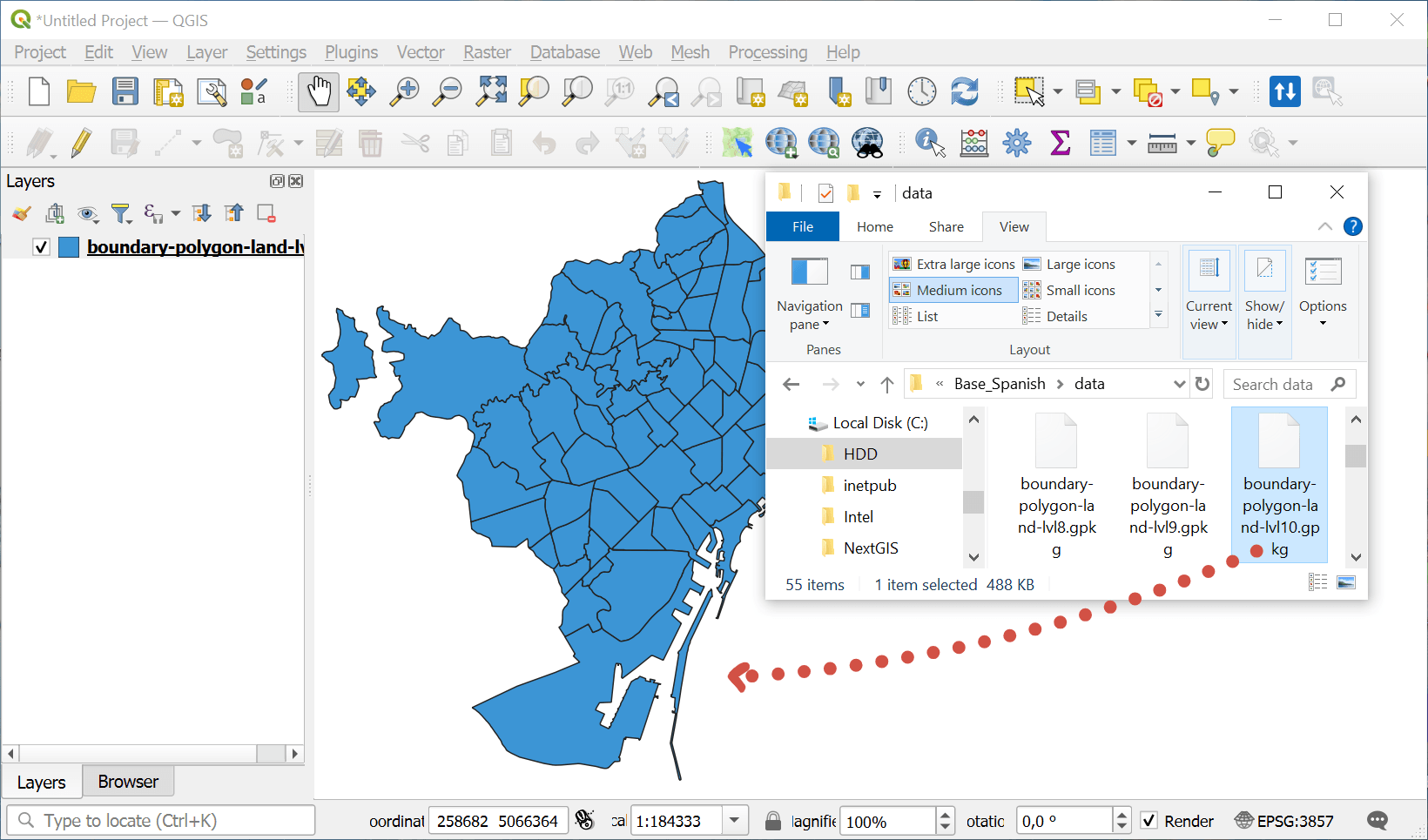
The layer is added to QGIS, ready for work.
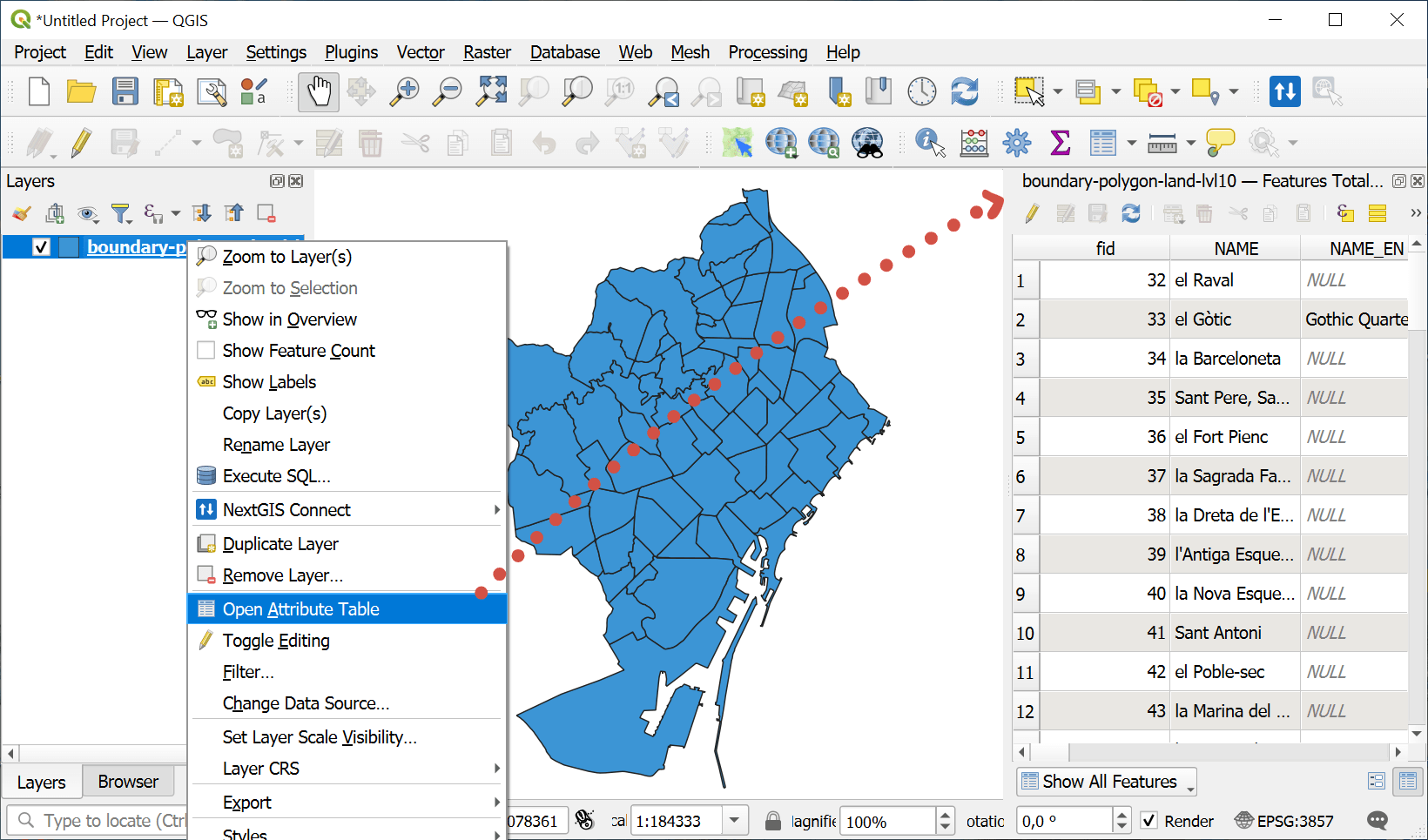
To view attributes of the layer, right-click on it and select “Open Attribute Table” in the context menu. A table opens that contains all the characteristics (attributes) of the layer features.
Any questions?
Contact Support from your account
Check out our videos