

Geometry Paster#
Note
Qt6 compatible
With this plugin you can copy geometry from one feature and assign it to a different one. Source and target features can be in one layer or in different layers.
This way you get a “duplicate” of the feature keeping its style and attribute values intact.
Install plugin
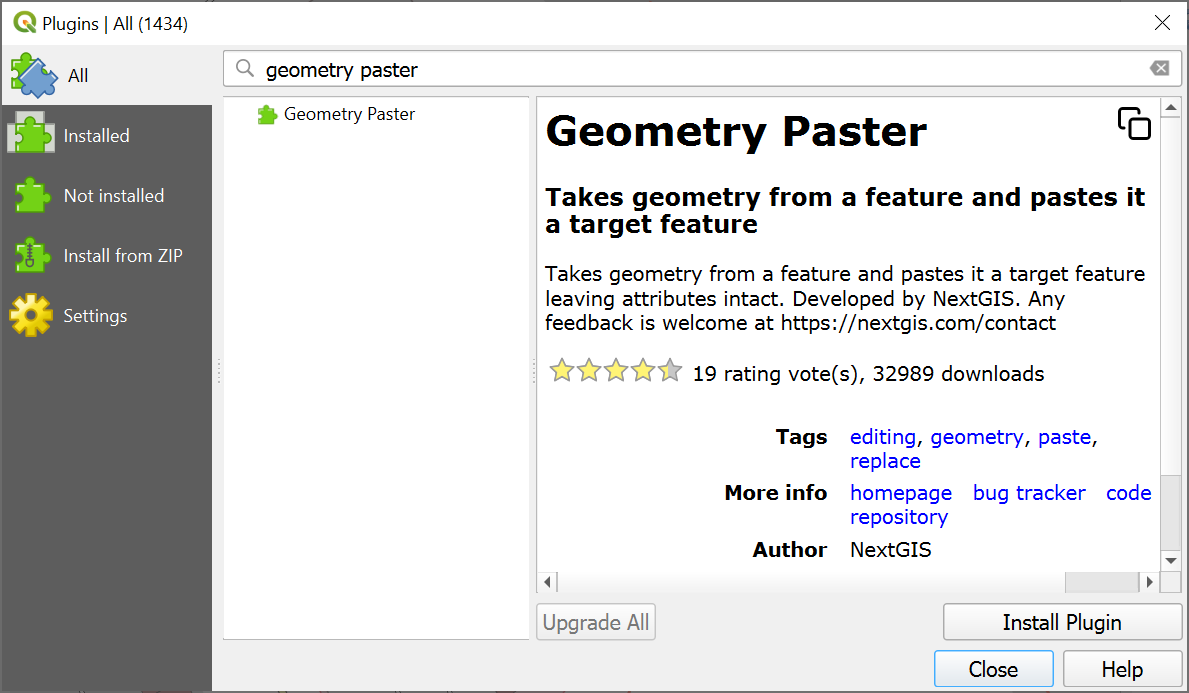
Fig. 855. Installation of Geometry Paster#
Copy feature from the source layer.
Enable editing for the target layer.
Select the target feature and in the Edit menu select “Paste geometry”. Alternatively you can press
 button in the toolbar.
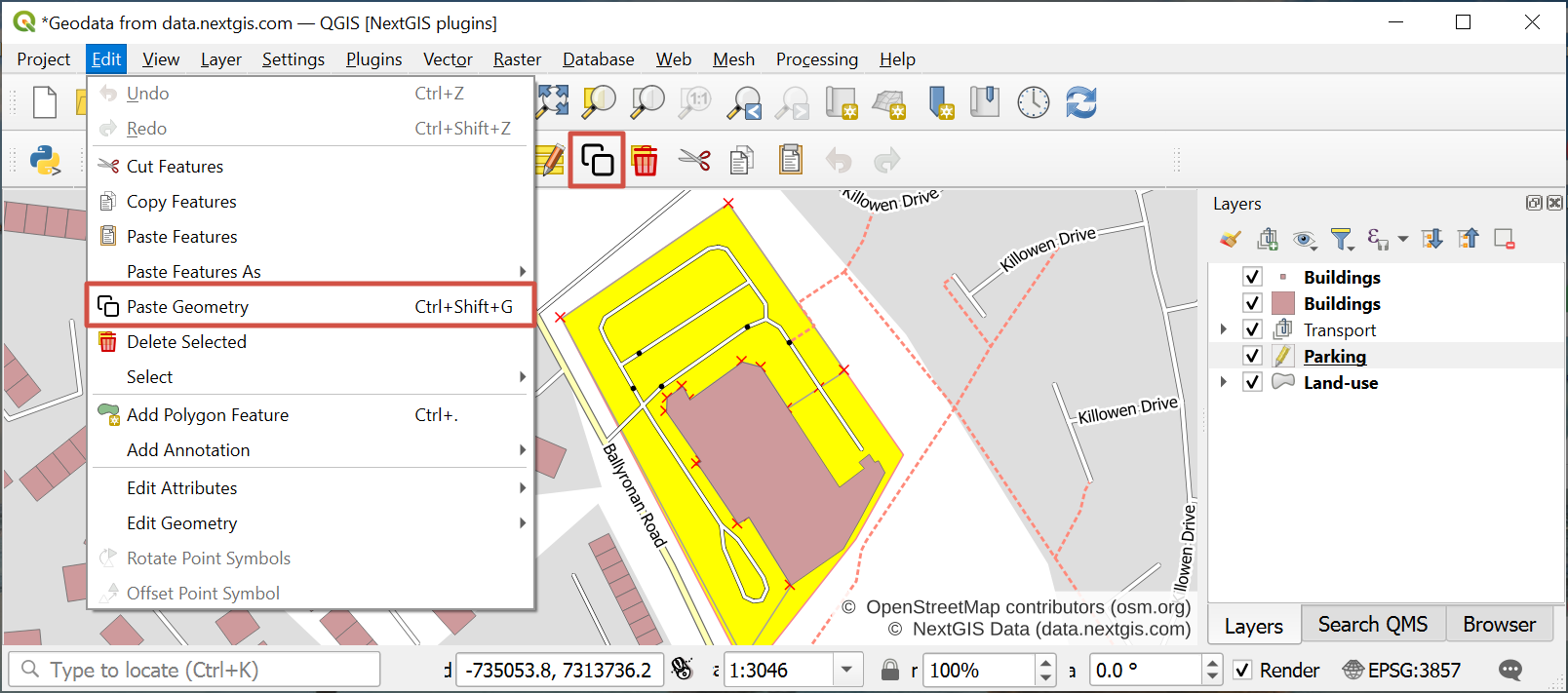
Fig. 856. Pasting geometry#
On step 4 you can select multiple features. In that case the geometry is added to each of them.
Check out how the plugin works in our video:
Watch on youtube.