

QGIS project to PDF#
Output the whole map and each separate map layer as PDF.
Inputs:
The QGIS project and data. Archive of the QGIS project with all layers zipped.
Extent. Optional parameter. If left blank, the coverage will be calculated as the sum of the coverage of the project layers;
The width of the output PDF file, mm;
The height of the output PDF file, mm.
Outputs:
ZIP archive with PDF files.
Launch the tool: https://toolbox.nextgis.com/t/qgis2pdf
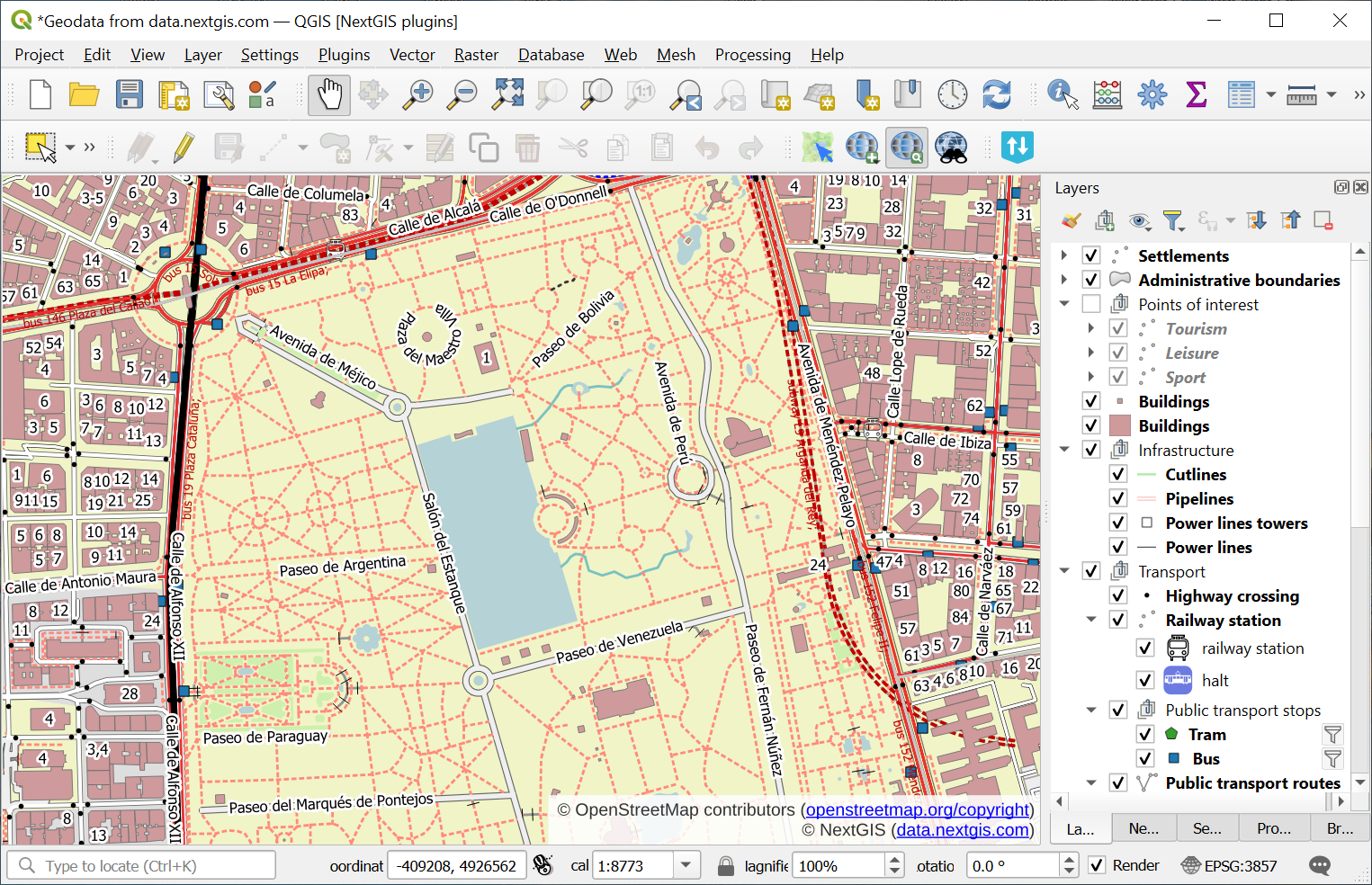
Fig. 235. Example input#
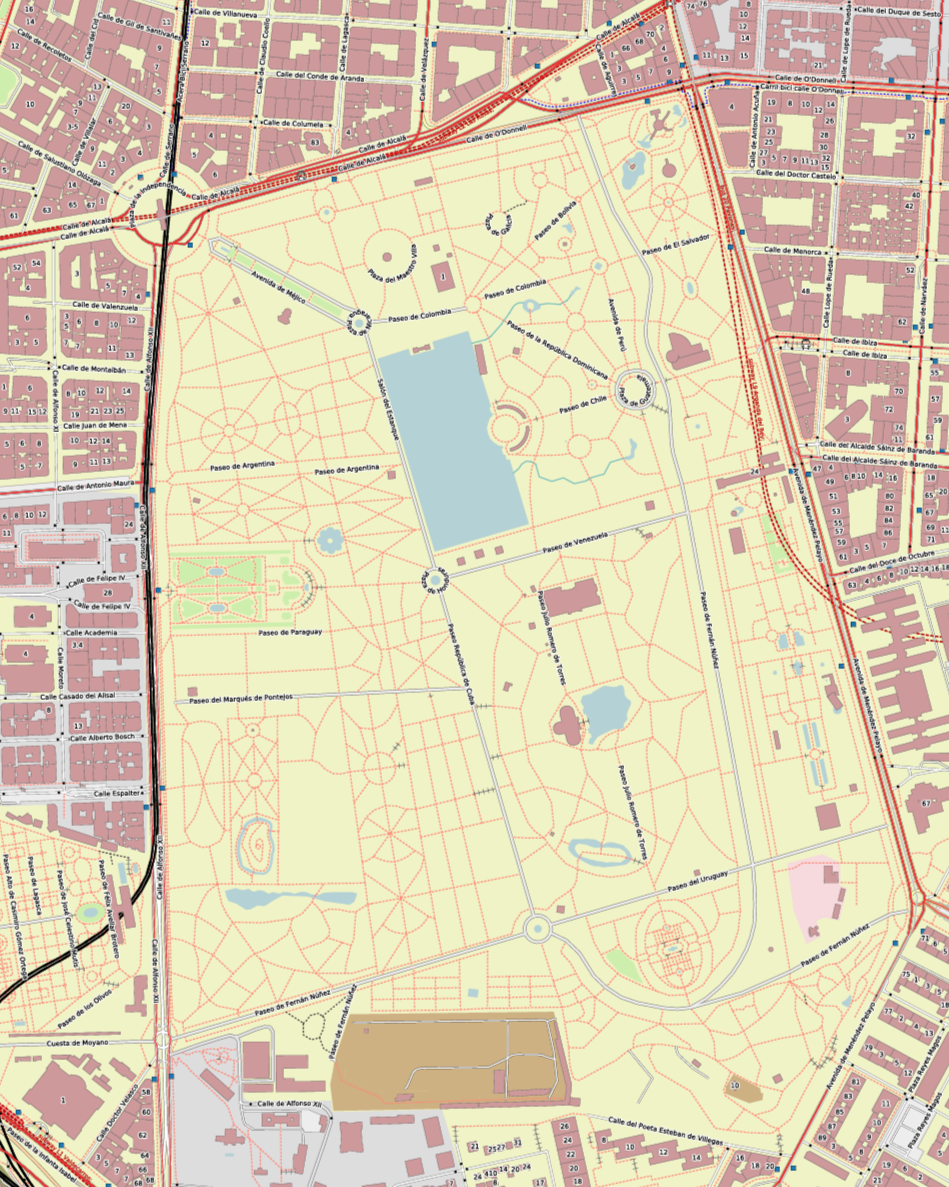
Fig. 236. Example output image#
Try the tool in action
Click on the Demo button above the tool form. The fields are filled in with demo values.
Click on the Run button.