

Add Google Photosphere XMP metadata to photos#
Sometimes spherical panoramic images don’t have the neccessary tags which stops the viewers from displaying them correctly. This tool adds XMP tags corresponding to the specification that notify the viewing widget that:
it’s a spherical panoramic image;
FOV is 360x180.
So the input image must indeed have 360x180 field of view.
GPano:PoseHeadingDegrees is copied from GPSImgDirection if it’s present.
Inputs:
ZIP with photos or single JPG file. Subfolders supported for the archive.
Outputs:
ZIP with modified photos with added tags. All images are stored in the root of the arhcive.
You can add spherical panoramas to features on a Web Map and display them in NextGIS Web.
Launch the tool: https://toolbox.nextgis.com/t/panotag
Example:
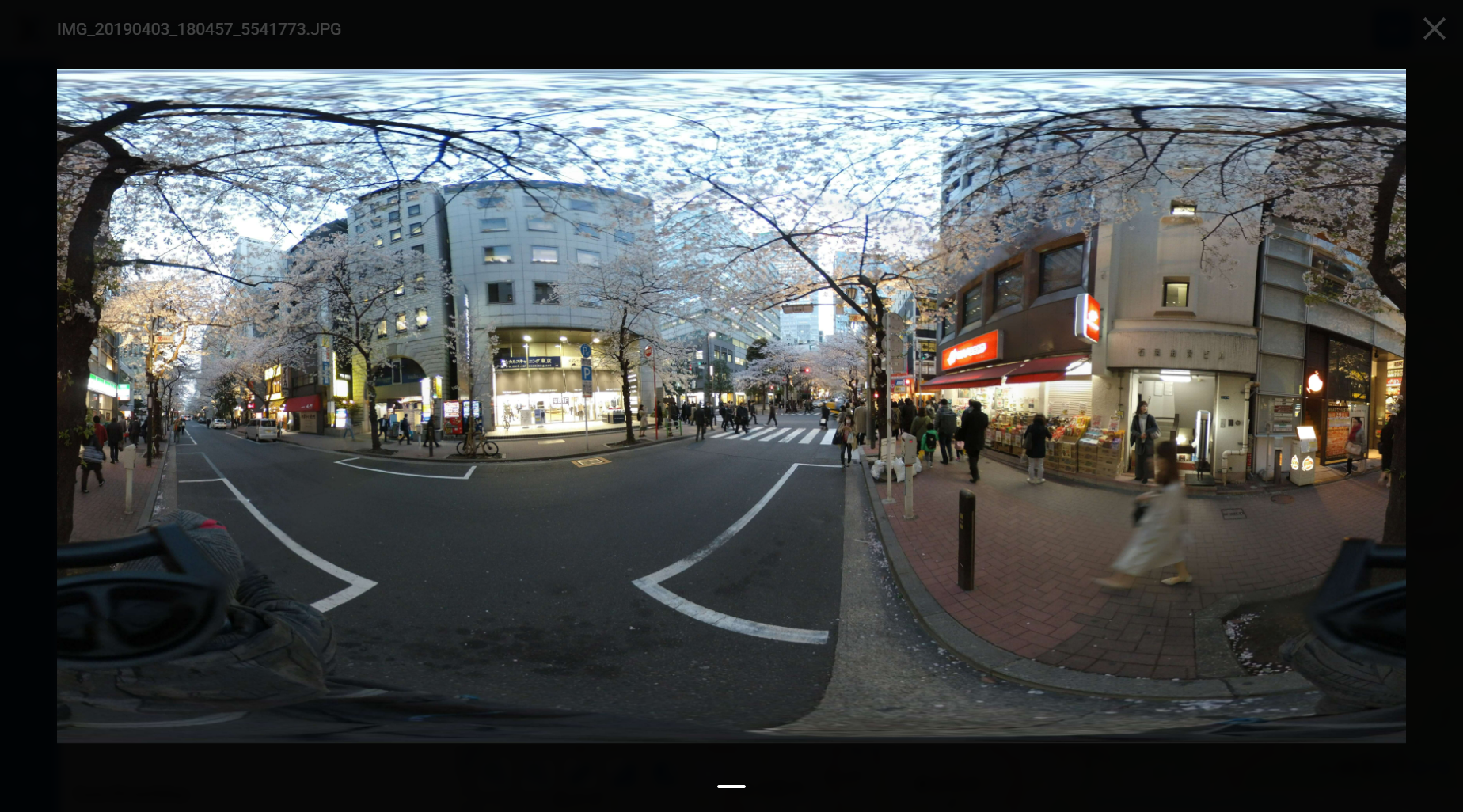
Fig. 221. Untagged image#
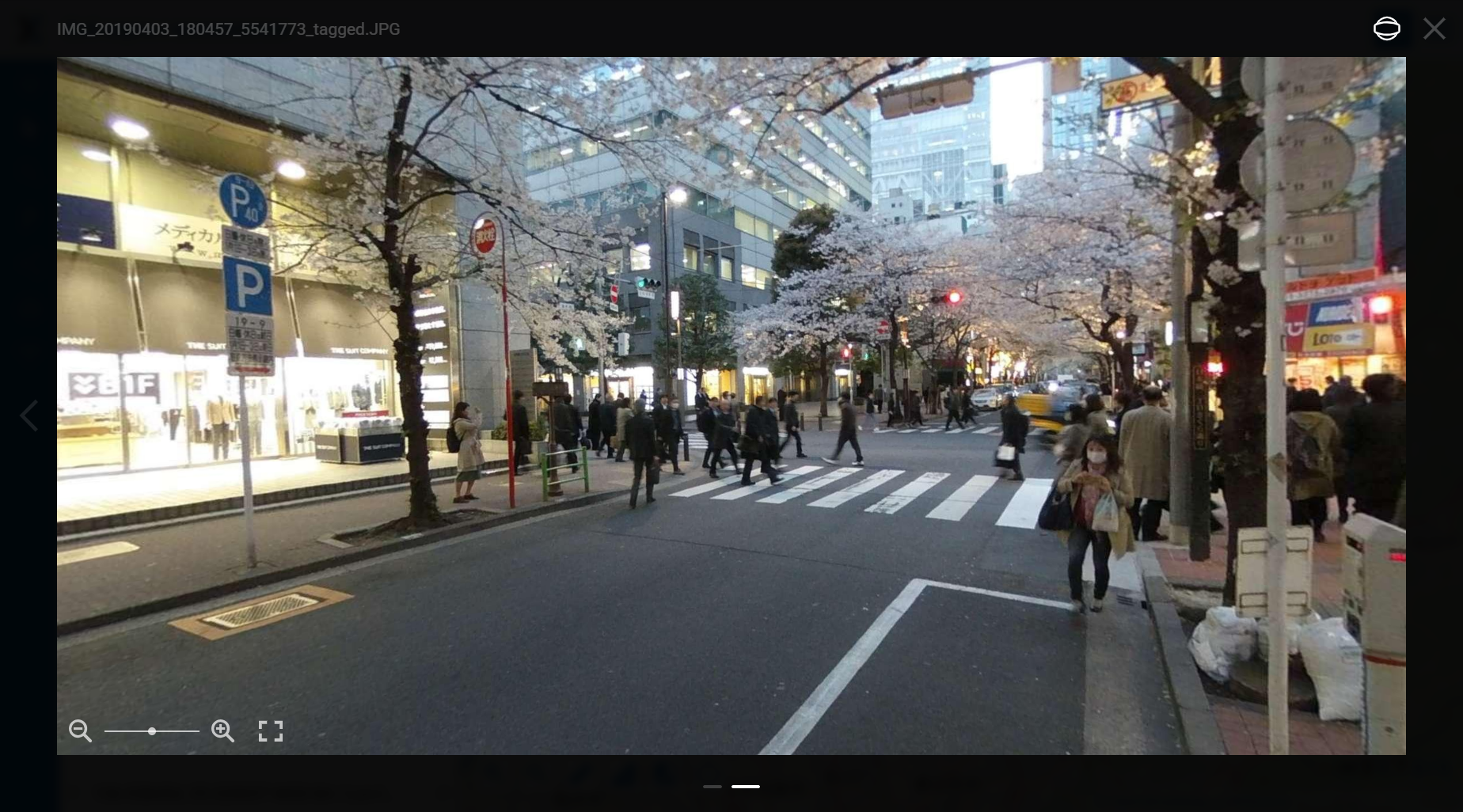
Fig. 222. Tags allow the image to be viewed as a spherical panorama#
Try the tool in action
Click on the Demo button above the tool form. The fields are filled in with demo values.
Click on the Run button.