

Split GPX into individual tracks#
Split a GPX file into separate GPX files with one track in each file
Inputs:
One GPX file. You can merge multiple GPX fies into one using Merge GPX Tracks tool.
Outputs:
ZIP-archive containing split GPX tracks.
Launch the tool: https://toolbox.nextgis.com/t/gpxtracksplit
Example:
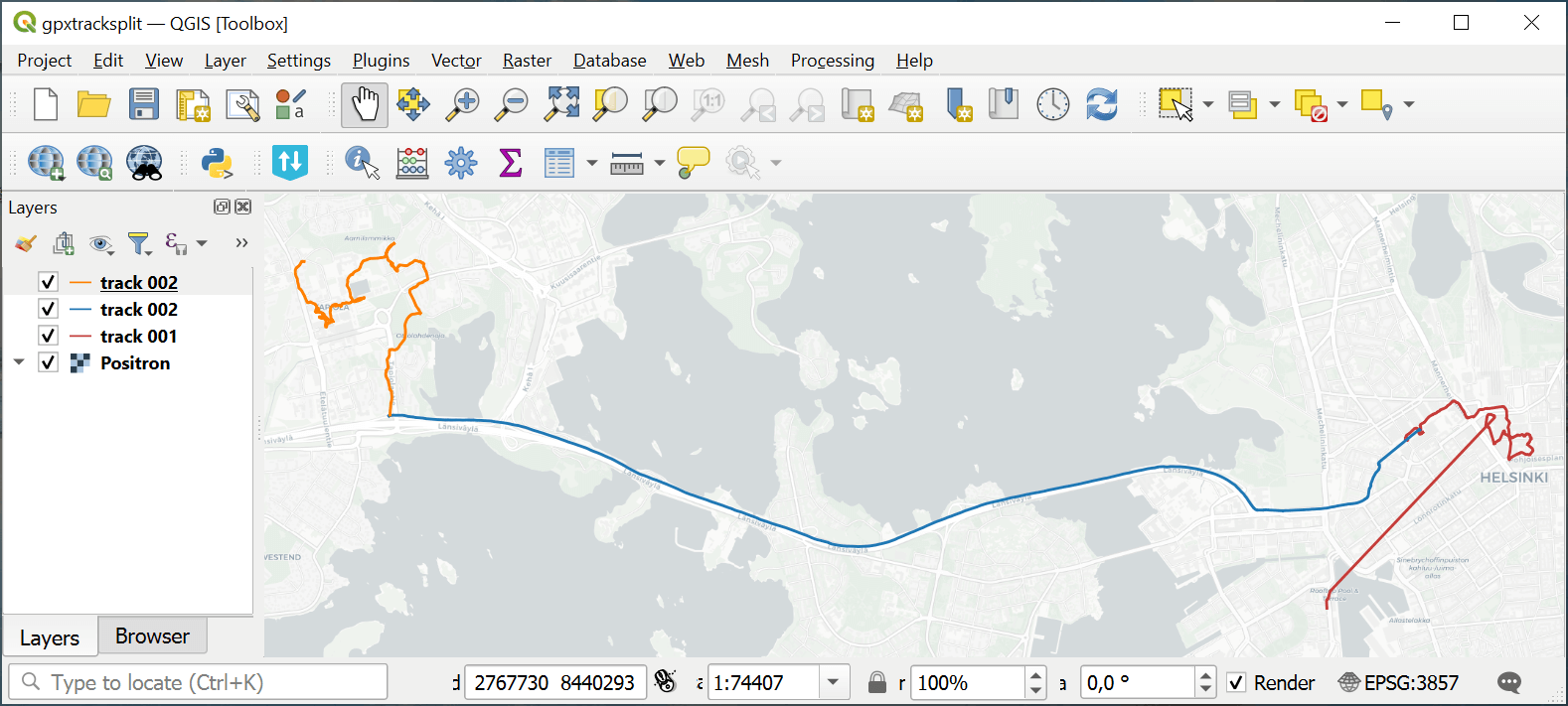
Fig. 169. Example output: three individual tracks#
Try the tool in action by downloading our example:
Try the tool in action
Click on the Demo button above the tool form. The fields are filled in with demo values.
Click on the Run button.