

How to create an interactive Web Map quickly?#
If your data is in a ZIP-archive, unpack it first and get the files out of the archive.
Download and install QGIS.
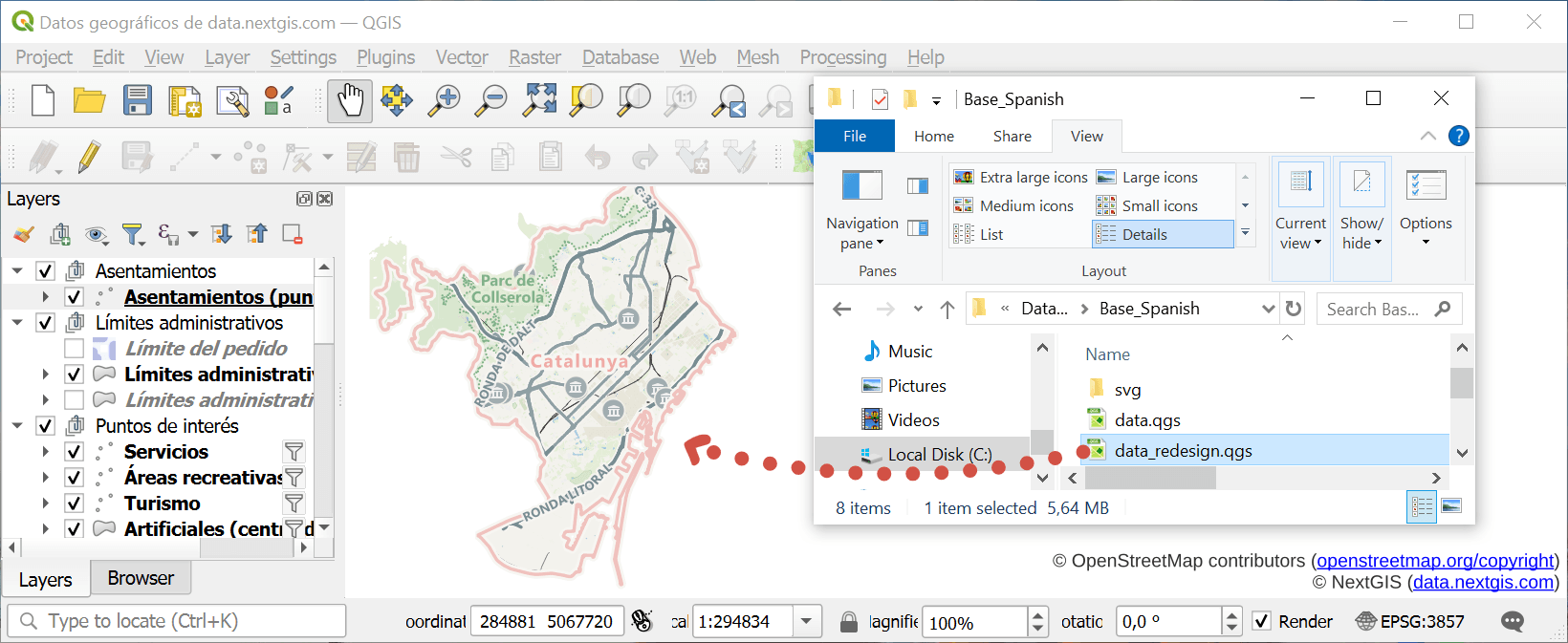
Open QGIS and drag the project file or a particular layer into it.
Which is the project file?
Look for extention .QGS or .QGZ
Install NextGIS Connect plugin (top menu Plugins - Manage and install plugins - enter NextGIS Connect in the search bar - Install).
Add connection to your Web GIS. Click on the gear icon to open Settings. In the Connection section click New. Enter the URL of your Web GIS, email you used to sign up and password.
Don’t have a Web GIS yet?
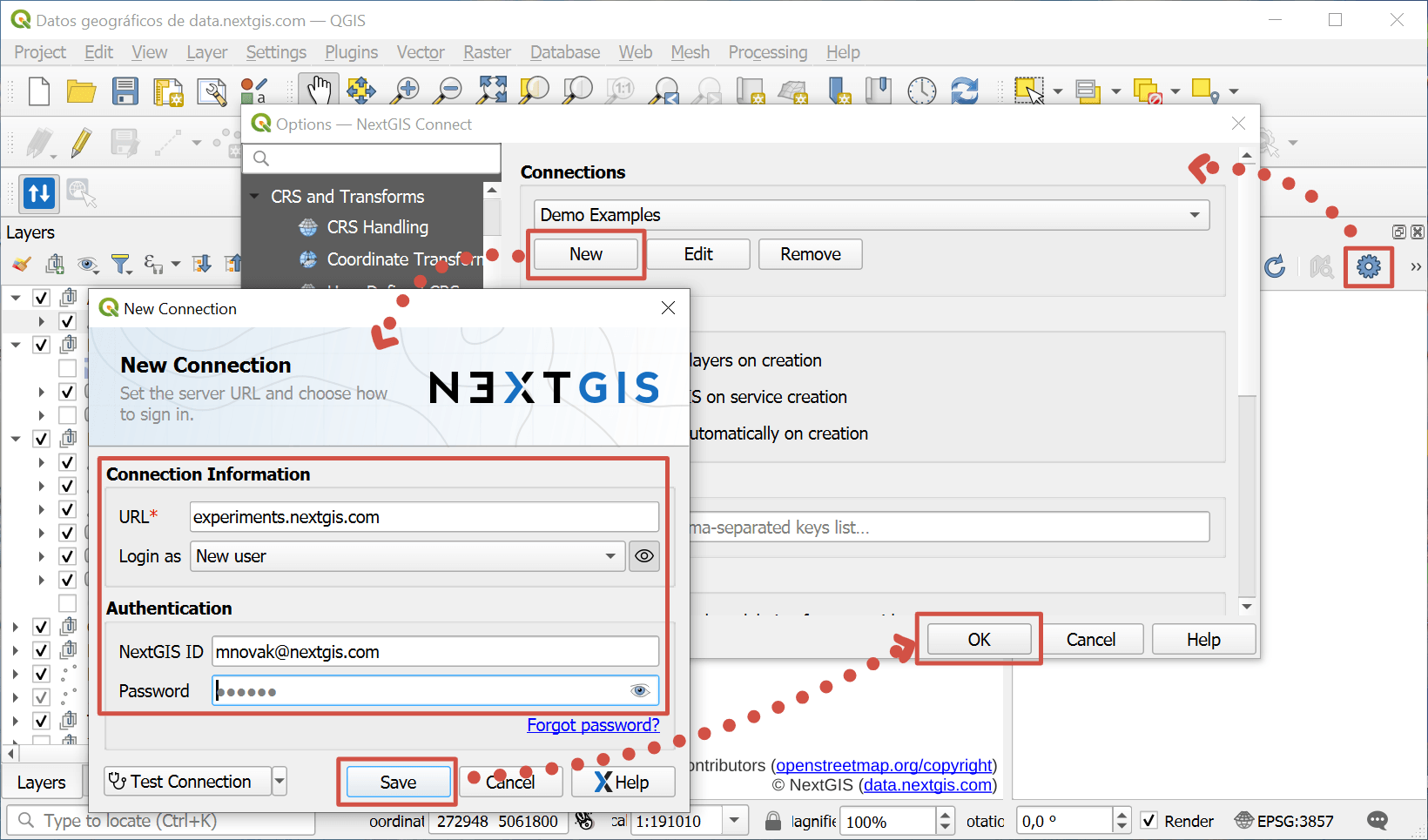
Click Save and OK, then close the Settings window.
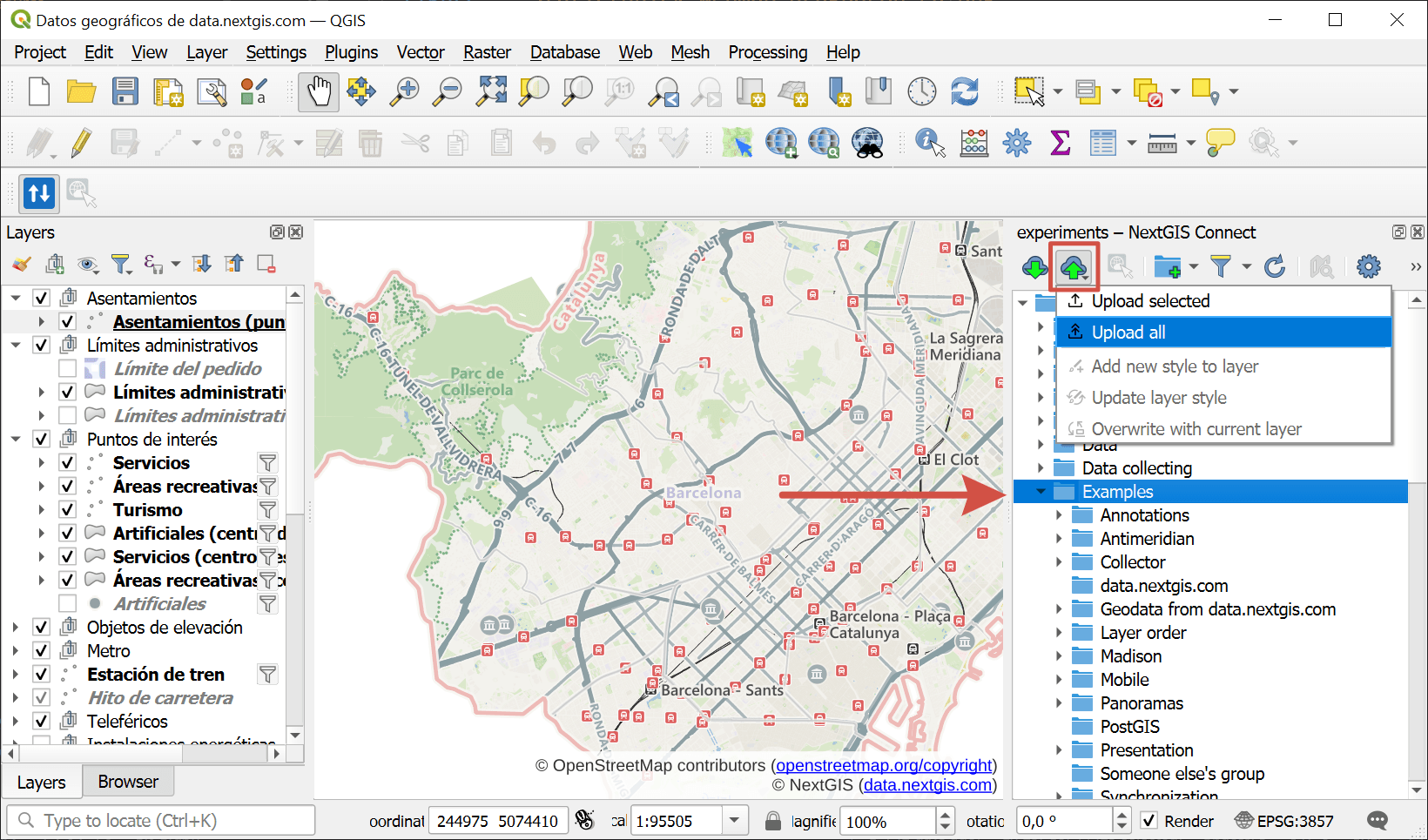
In the NextGIS Connect panel select the folder where you want to create a Web Map, click “Add to Web GIS”
 and select Upload all.
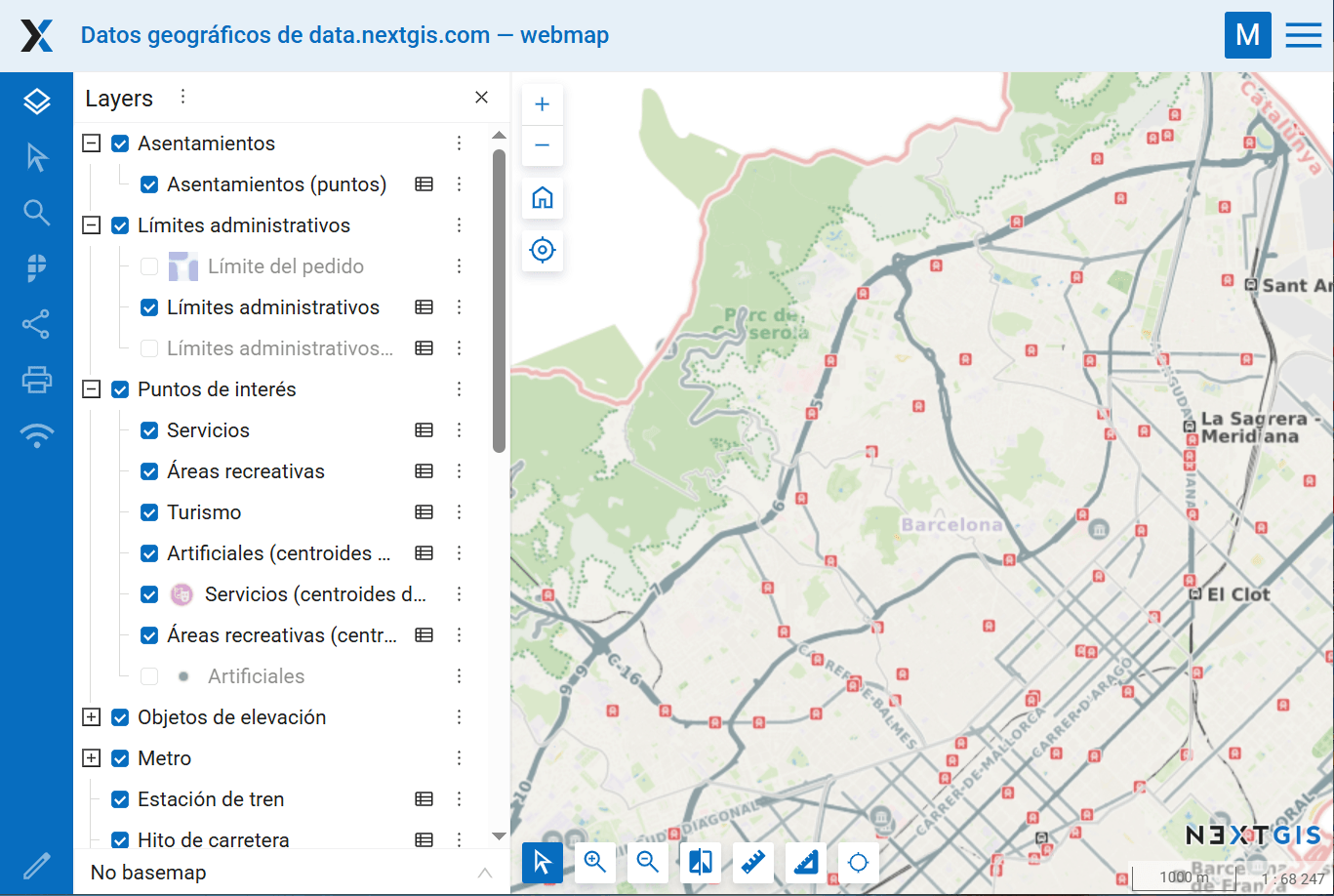
When the Web Map creation is complete, it opens in the default browser.
Any questions?
Contact Support from your account