

How to open a layer in Mobile#
What file formats would work?
GeoJSON
NGRC
Tiles in ZIP-archive
Install NextGIS Mobile from Google Play or from an APK-file.
Save the data layer to your device. If it is not a tile archive, make sure to unpack the data and get it from the archive.
Run NextGIS Mobile app. Open the Layer tree panel
 , tap “Add geodata”
  and select Open local.
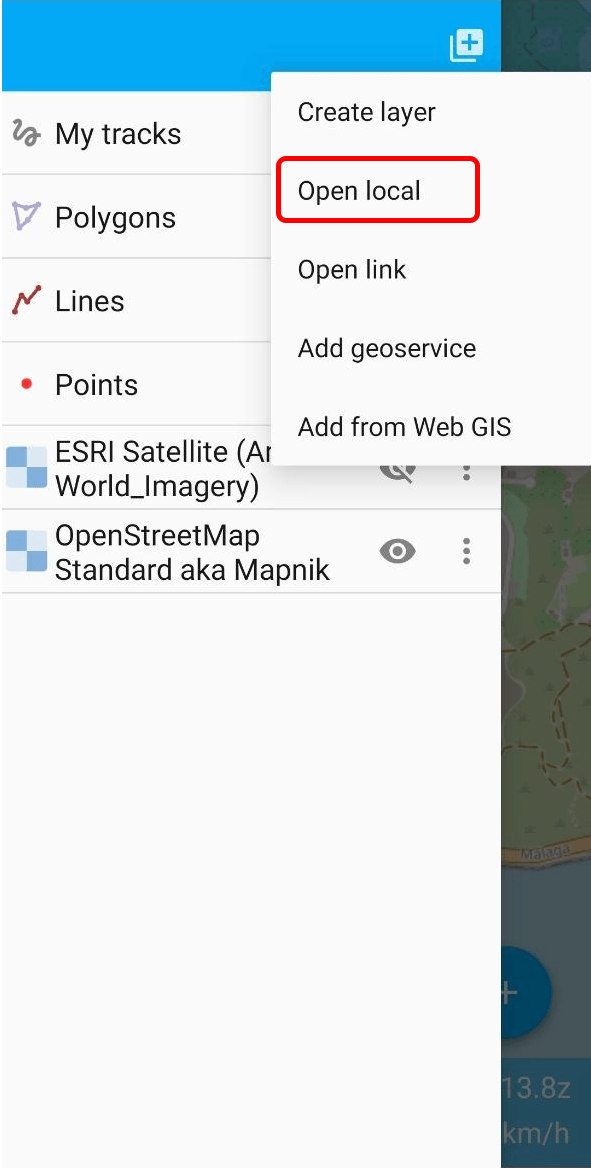
Select the file from your device.
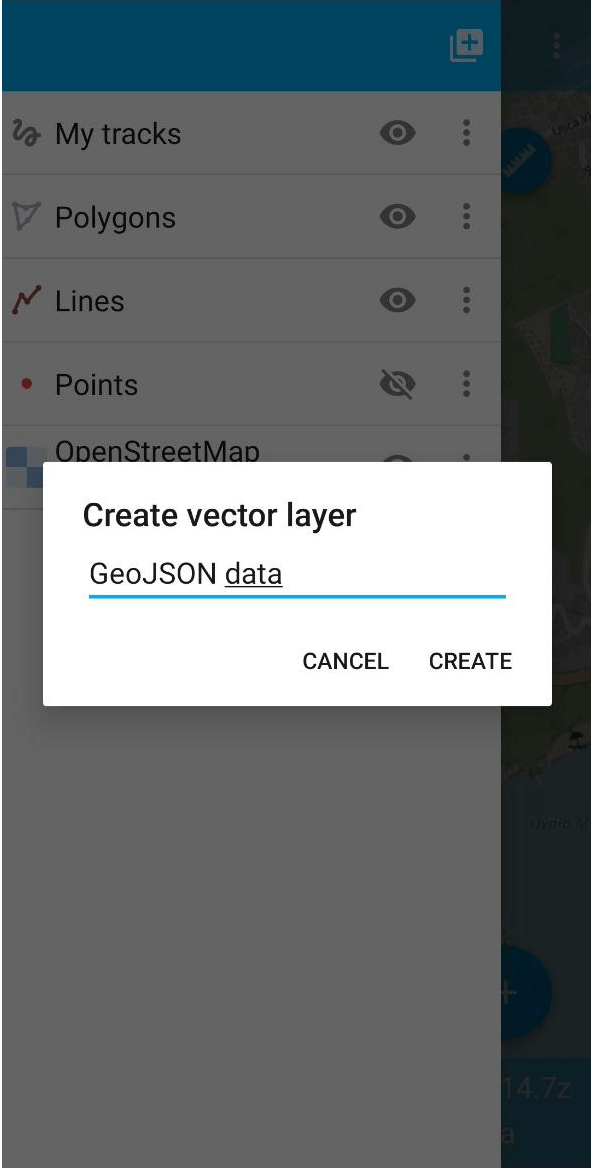
You can change the layer name if you want. Tap Create.
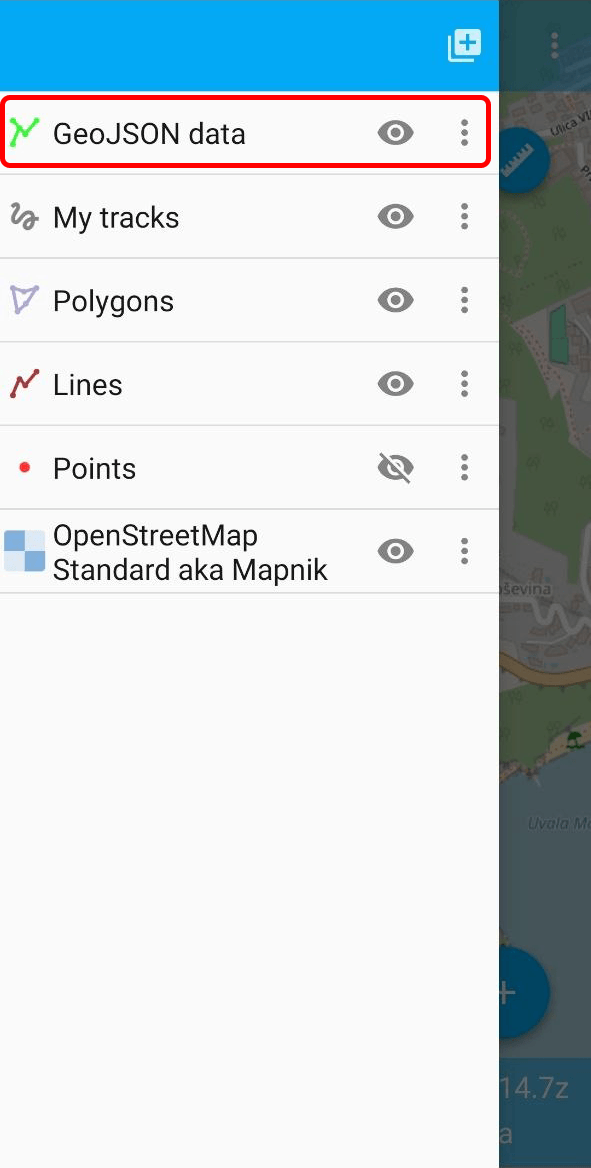
New layer is added to the top of the layer list.
How to edit data in NextGIS Mobile
Any questions?
Contact Support from your account