

Layer list from DWG file#
This tool generates a CSV containing the list of layers from a DWG file with information on geometry and feature count.
Inputs:
Source file in AutoCAD DWG formats
Outputs:
CSV with layer list
Launch the tool: https://toolbox.nextgis.com/t/autocad_file_schema
Example:
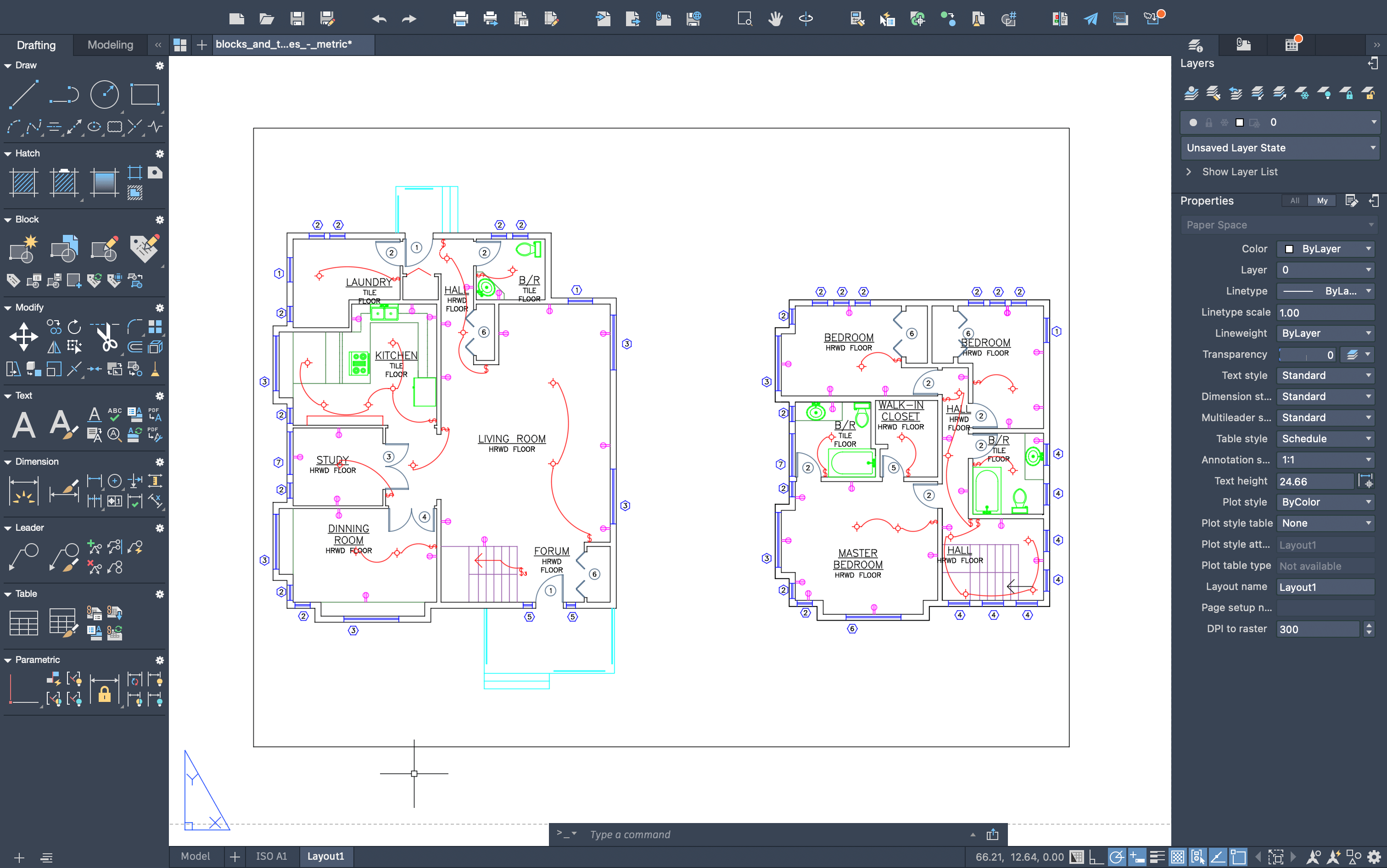
Fig. 126. Example input#
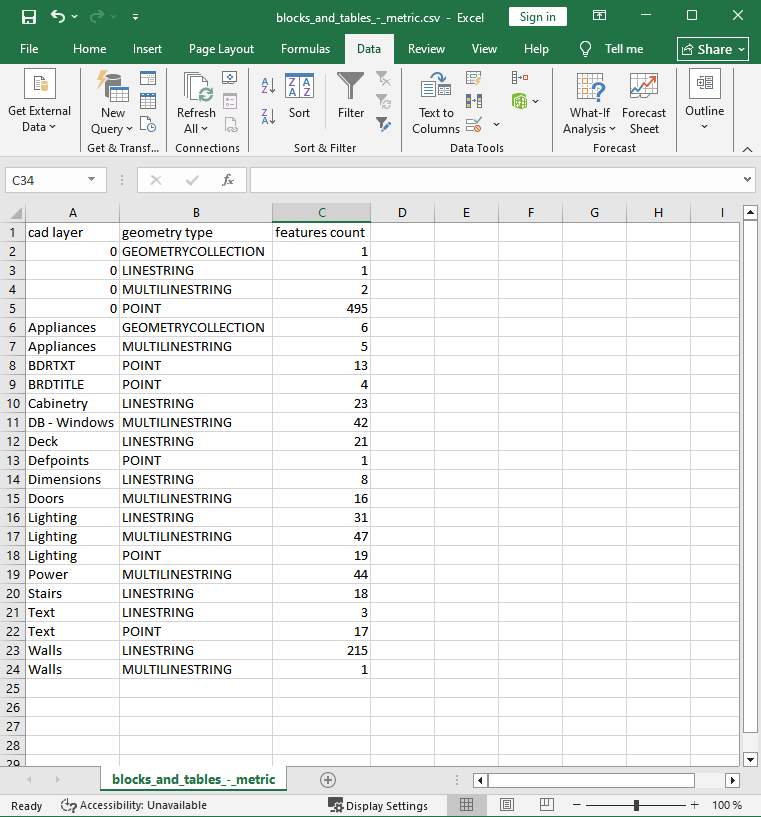
Fig. 127. Example output: list of layers#
Try the tool in action
Click on the Demo button above the tool form. The fields are filled in with demo values.
Click on the Run button.