

Search and save Landsat-L2C2 scene previews#
Search Landsat-L2C2 scenes id list and donwload previews as GeoPackage.
Inputs:
WRS2 tile index(es) - single ID or comma-separated list e.g.
131026or131026,132026- max 50 IDs;Year(s) - single, list or range e.g.
2016,2020,2021-2024;Month(s) - single, list or range e.g.
1,5,9-12;Max cloud - Max cloud %, int or float e.g.
10or10.5;No preview - tick to download only vector footprints.
Outputs:
GeoPackage with previews or footprints, contains:
QGIS project;
Tile boundary;
Search area boundary;
Raster previews.
List of scene IDs.
Launch the tool: https://toolbox.nextgis.com/t/landsat_search
Example:
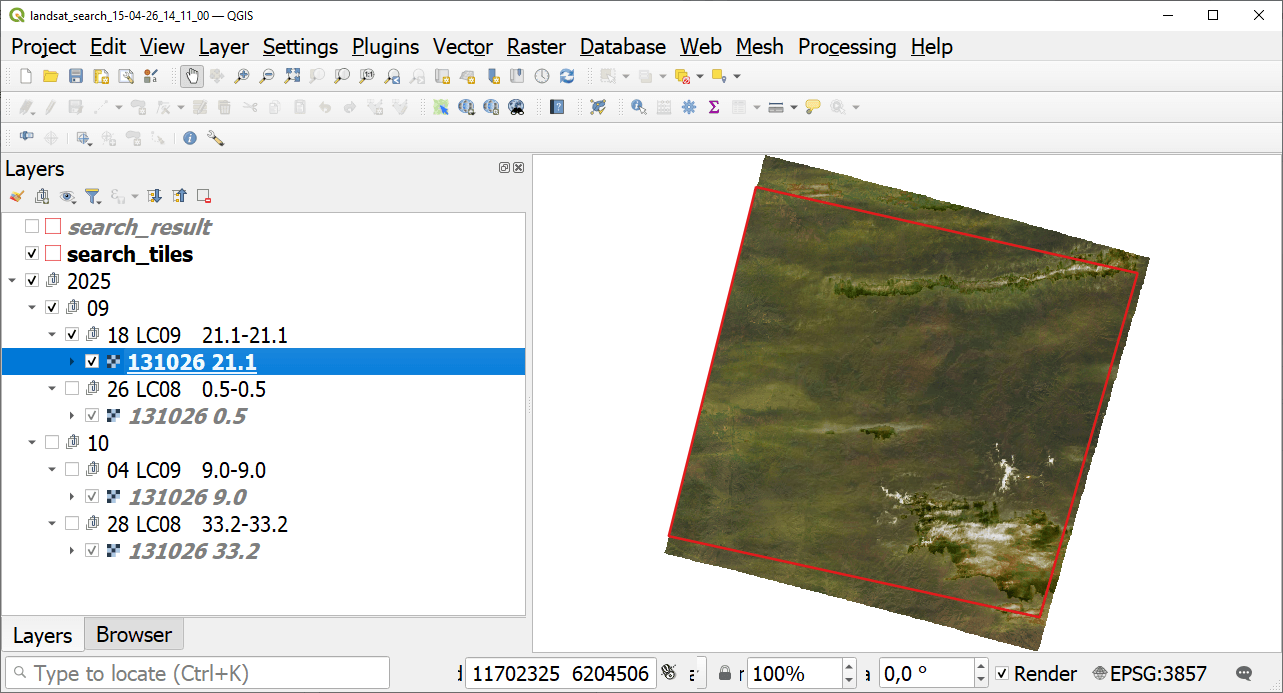
Fig. 181. Example output: scene preview opened in QGIS#
Try the tool in action
Click on the Demo button above the tool form. The fields are filled in with demo values.
Click on the Run button.